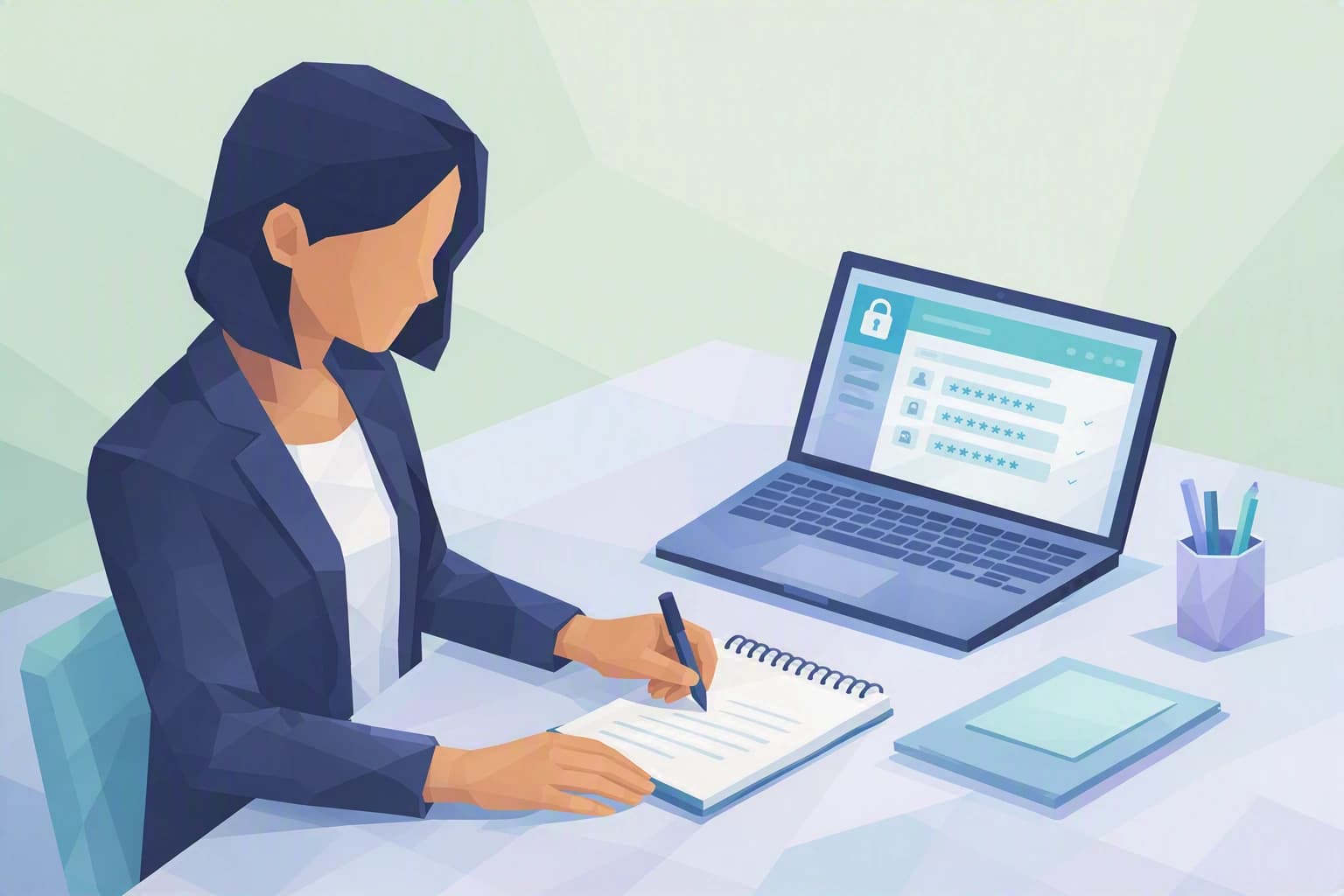
One morning, walking past her firm's front desk, Sophie B. notices a detail she had stopped seeing: a yellow sticky note under the screen with the password to the shared mailbox. The same one for years, known to the whole team — and probably to former colleagues who left long ago. Nobody has "hacked" anything. Yet that little square of paper sums up, on its own, why a strong password deserves ten minutes of attention.
What actually makes a password strong today?
For a long time we believed a good password was a complicated one: uppercase letters, digits, a symbol or two, the whole thing impossible to remember. As a result, everyone ended up writing their passwords down somewhere, or reusing the same one while changing a single digit at the end. That is exactly what an attacker is hoping for.
Because an attacker does not sit in front of your screen guessing your password by hand. They use programs that test millions of combinations per second, and above all lists of passwords already stolen elsewhere — from an online shop, a forum, a forgotten app. When data leaks from a service, it gets sold, and tools automatically replay it against other accounts: this is called "credential stuffing" (trying stolen email / password pairs in bulk until one works).
Against this, two criteria matter far more than the presence of an exclamation mark: length and uniqueness. The third one is not having to remember it — more on that below. What these three ideas have in common: none of them require any technical skill, only a change of habit.
Length beats complexity. A short password stuffed with symbols like P@ss!2 is easier to crack than a long, simple string. Every extra character multiplies the number of combinations to test: length is what really hurts cracking tools. Switzerland's National Cyber Security Centre (NCSC), the country's reference on the topic, recommends favouring long passwords in the form of phrases rather than short, twisted ones. Aim for at least twelve to sixteen characters — and more for your most sensitive accounts.
Uniqueness closes doors in a row. If the same password opens your mailbox, your accounting software and your delivery account, a single leak is enough to compromise everything. A password that is strong but reused everywhere is only strong once: as soon as one service is breached, it becomes a master key in anyone's hands.
While we are at it, one old habit has had its day: forcing a password change every three months. We now know this mostly pushes people to tweak a digit at the end (Firm2024, then Firm2025) — which adds no real security. Better a long, unique password that you only change if there is a doubt or a confirmed leak. That is also the position of current guidance.
In plain terms, with Camille. Don't chase the "perfect", unreadable password. Look for the password your staff will actually adopt: long, unique to each account, and pulled from a tool rather than a drawer. The security that lasts is the one that doesn't demand a heroic effort every morning.
What to remember
- Length matters more than complicated characters. A long, easy-to-remember phrase beats a short, unreadable jumble.
- One password = one account. Reuse turns a distant leak into a problem on your own doorstep.
- You can't memorise everything — and that's fine. Remembering twenty unique, long passwords by heart is impossible: that is the job of a dedicated tool, not your memory or a sticky note. And for key accounts, add a second lock: multi-factor authentication (MFA) — on top of the password, a second proof, for example a one-time code on your phone.
The habits to set up this week
1. Replace your passwords with passphrases
A passphrase is simply a password made of several unrelated words — for example cactus-bike-fog-coffee. It's long, so it's strong; it's vivid, so it's easy to remember; and it avoids the pointless substitutions like @ for a that cracking tools know by heart. Four or five randomly chosen words are enough to get something very long without writing anything down. Start with the accounts that matter most in an accounting firm: the mailbox and the business software, the ones that open the door to your clients' data.
2. One account, one password — and take down the sticky notes
The shared password written under the screen has to go, starting with the common mailbox. Each person, each critical service gets its own access. Shared accounts have another hidden flaw: when someone leaves, nobody thinks to change the password they knew — and the access stays open. A named account, by contrast, is cut off in one move on the day someone leaves. You don't have to redo everything at once: list your five most sensitive accounts and give each a unique, long password. The rest will follow.
3. Hand the memory over to a password manager
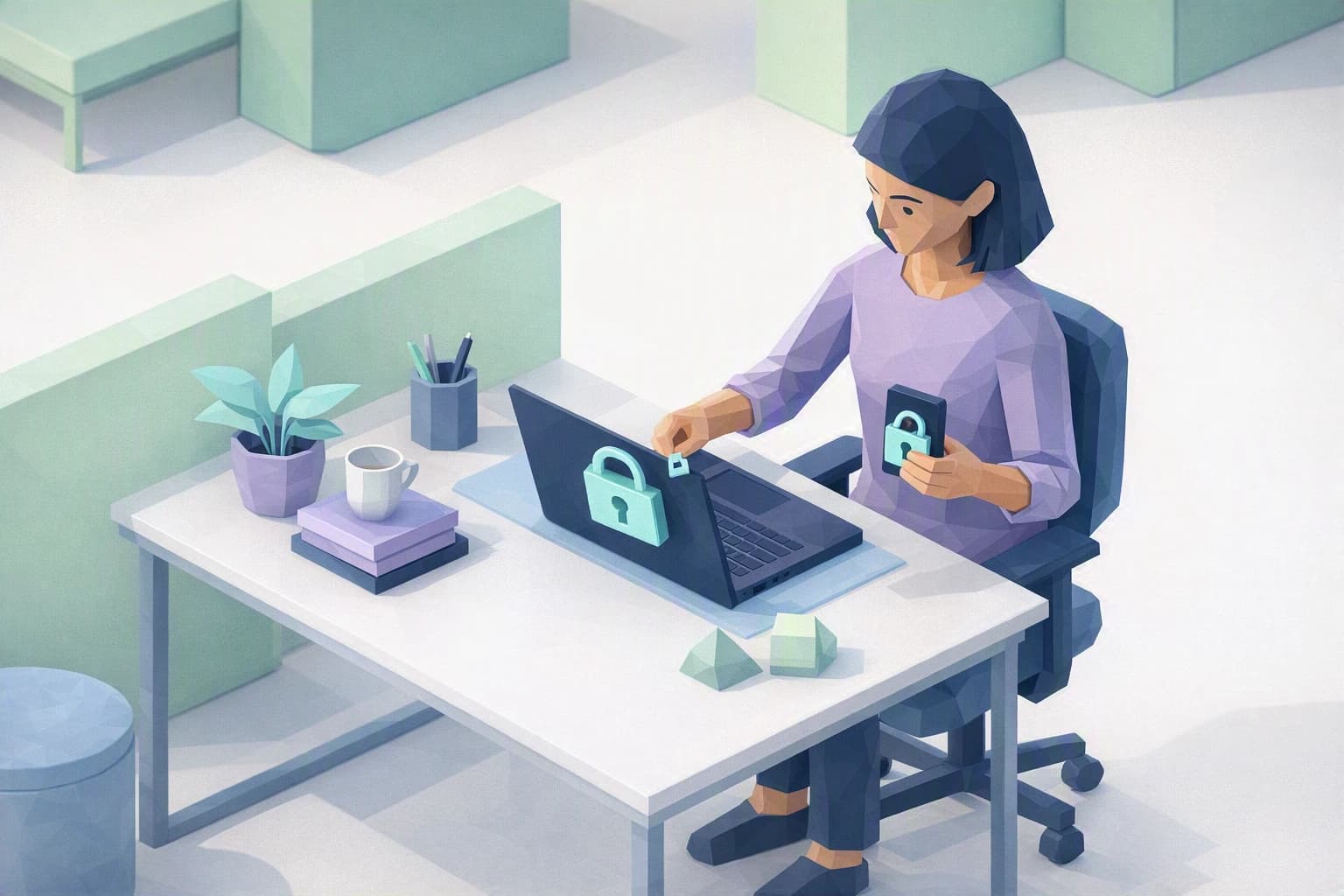
A password manager is an encrypted digital vault: you only remember a single master password, and the tool generates, stores and fills in all the others for you. That master password does deserve to be a real, long passphrase — it's the only thing you still have to memorise. The tool handles the rest across all your devices, including your phone. This is what makes the two previous habits genuinely sustainable day to day, without going back to paper. While you're at it, turn on multi-factor authentication on the manager itself and on your mailbox. Organising all this across a team — shared vaults, joiners and leavers — takes a bit of method: that is exactly what our dedicated blueprint lays out.
Where do you really stand?
The nFADP (the revised Swiss Federal Act on Data Protection, in force since September 2023) expects an SME holding client data to take "appropriate" security measures. A strong, unique, well-managed password is one of them — alongside multi-factor authentication. These are not topics reserved for large companies: in a team of a few people with no in-house IT, it is precisely these simple habits that make the difference.
Cyber Passport certifies nothing and does not declare you "compliant". It offers a structured self-assessment that shows you, question by question, where your organisation holds up and where it still rests, today, on a simple sticky note. To move from good intentions to a password policy and a manager actually deployed across your team, the blueprint below walks you through it.