One Friday evening, Sophie B. gets an email on her phone in the name of her accounting software vendor: her licence supposedly expires at midnight, with a link to "reactivate access" before Monday. She works alone, keeps the books for dozens of clients, and has no one to forward the message to for a second opinion. Freelance cybersecurity begins exactly there: in that flicker of doubt, on a Friday evening, with no IT department to delegate to.
Why freelance cybersecurity is anything but a luxury
When you work alone or nearly so, you often tell yourself you're too small to interest anyone. The opposite is true. The most common attacks don't target you personally: they cast a wide net, automatically, sending out thousands of booby-trapped messages until someone bites. Phishing — an email or text that imitates a trusted contact to make you click, pay or hand over a password — makes no distinction between a thirty-person firm and a self-employed professional answering messages between two appointments.
The real difference lies elsewhere. In a large organisation, a mistake is sometimes caught by a colleague, a filter, an IT specialist. On your own, you are the business, the management and the technical support all at once. No one will reread the dubious email for you; no one will notice that the backup stopped running six months ago. That is precisely what makes a few simple habits so worthwhile: each one you install makes up for the absence of a collective safety net.
There's a final reason many freelancers underestimate: the data. An accountant, a consultant, a graphic designer handle information every day that isn't theirs — contact details, salaries, contracts, client documents. In Switzerland, the moment you process personal data on behalf of your clients, the nFADP (the federal data protection act, in force since September 2023) makes you responsible for its security. It doesn't expect a fortress from you, but measures "appropriate" to your size and to the sensitivity of what you hold: proportionate, but real. Losing that data, or seeing it leak, means losing the trust your business runs on.
What to remember
Three ideas, before we even talk tools.
First, your priority isn't to buy yet another piece of software. Most incidents affecting freelancers don't exploit a sophisticated technical flaw, but a habit: a password reused everywhere, a backup that doesn't exist, an email clicked too fast. These are behaviours, not budgets — which is good news, because behaviour is exactly what you can change without spending a franc.
Second, you don't need an IT department to protect yourself. The habits that matter most take one evening to set up, then a few minutes a week. Switzerland's National Cyber Security Centre (NCSC) even publishes recommendations designed for small operations, free and jargon-free: a solid starting point when you don't know where to begin.
Finally, security isn't a state you reach once and for all. It's a routine. The goal isn't to be "100% protected" — that doesn't exist — but to make an attack annoying enough that the bot automating it moves on to the next target, and to be able to get back on your feet quickly if something slips through anyway. Put plainly: you're not chasing perfection, you're making sure you're no longer the easiest prey in the queue, and keeping a way out at all times. That's an achievable goal, even alone, even with no budget.
The habits to set up this week
1. Turn on two-factor authentication and hand your passwords to a manager
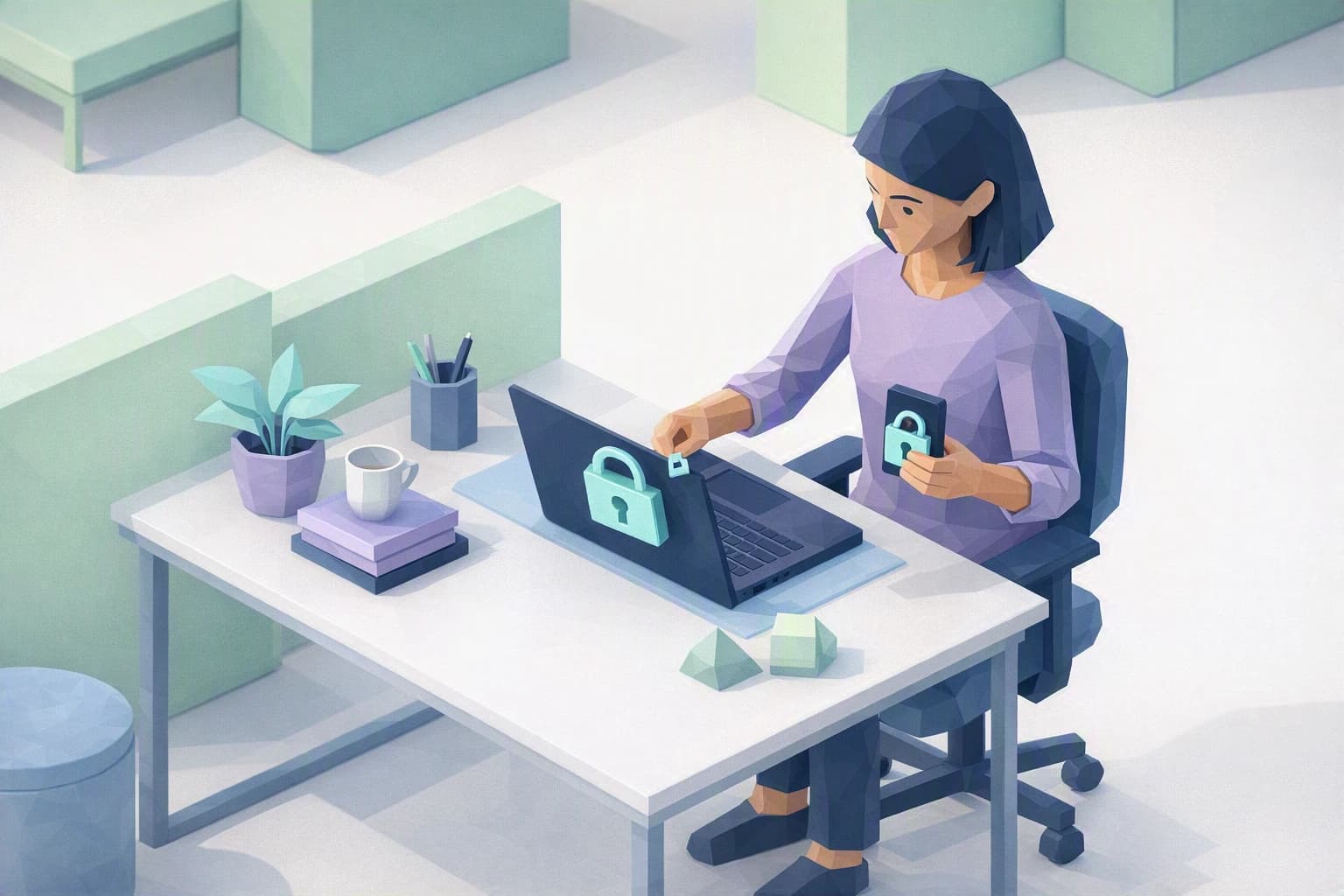
A password on its own is no longer enough: if it leaks or is guessed, everything falls at once. Two-factor authentication (MFA, for multi-factor authentication) adds a second proof at login — usually a code on your phone or a dedicated app. Even with your password in hand, a stranger stays locked out. Turn it on first where it hurts most: your email, your business software and your online banking.
Right after that, adopt a password manager: a digital vault that remembers long, all-different passwords for you and fills them in automatically when you log in. You only have one master password left to memorise. No more credentials jotted in a notebook, stuck under the keyboard or reused from one service to the next — the number-one weakness among freelancers, because a single hacked service then opens all the others.
2. Keep a backup no one can encrypt
Ransomware — a program that encrypts your files and demands a ransom to make them readable again — is the freelancer's nightmare, because it goes after the one thing you can't recreate overnight: your data. The countermeasure isn't to pay, it's to hold a copy the attack can't reach.
Remember one simple rule: at least one backup of your important files must be disconnected from everything else. In practice, an external drive you plug in for the backup then unplug, or a serious cloud service whose history lets you roll back to yesterday's version. Ransomware can only encrypt what is plugged in and reachable at the moment of the attack; what sleeps offline survives. And above all: test a restore at least once. A backup you've never tried to read back is only a promise — on the day of the incident, it's too late to discover it's empty.
3. Take three seconds before you click or pay
Most scams succeed thanks to urgency: "your account is about to be suspended", "invoice due today", "the client needs an immediate transfer". That feeling of haste is the alarm signal, not the reverse. A legitimate message can wait while you check; a scam can't.
Get into the habit, before any click or unusual payment, of checking three things: the sender's real address (not just the displayed name, which is faked in a second), the link's destination (by hovering without clicking), and the channel. Unsure about an invoice or a payment request? Don't reply to the email and don't call the number it gives: reach the person on a contact detail you already know, noted elsewhere. Those three seconds are worth more than any software, because they target the real lever of the scam: your haste. And leave automatic updates switched on across your devices: without you thinking about it, they close the doors these attacks slip through.
Where do you really stand?
Freelance cybersecurity isn't a project you tick off once and for all, it's a light routine built from a handful of habits. The real question isn't "am I protected?" — no one fully is — but "do I know where I stand, and where to start?".
That's exactly what the Cyber Passport self-assessment does. It certifies nothing and sells no false peace of mind: question by question, it shows you what is already solid in your setup and what still rests on luck or habit, then helps you structure your priorities, at your own scale. For someone working alone, it's often the trigger that turns a vague worry into a short list of clear actions — doable as early as this week.