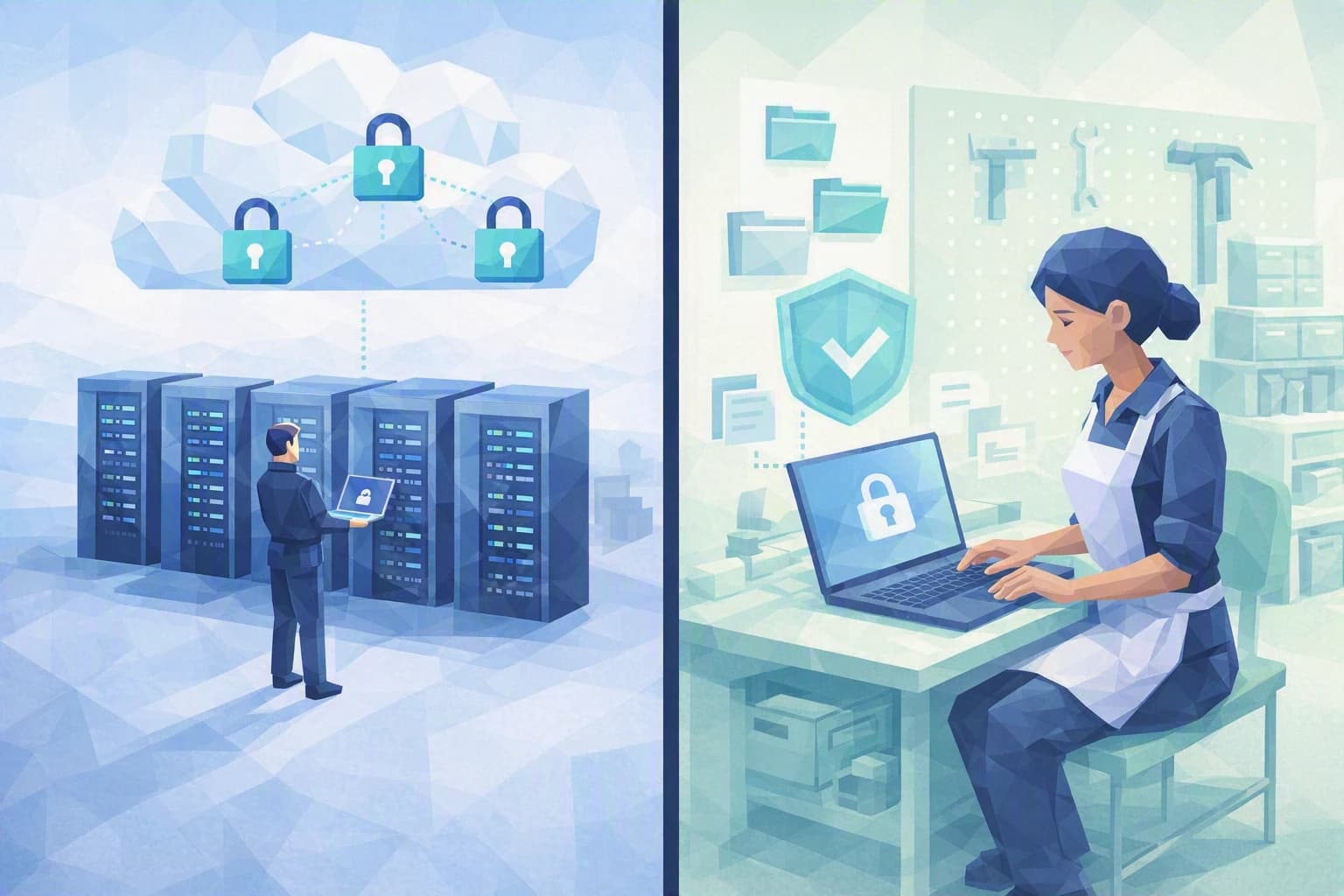
One Tuesday morning, Sophie B. opens her firm's accounting software from the train, as she often does. One password, and there she is: salaries, tax filings, the banking details of hundreds of clients — all reachable in a single move. She had never really questioned that convenience, until her IT provider dropped two words that sounded like a slogan: "Zero Trust." Behind the slightly flashy phrase, however, lies a very simple idea — and a very useful one for a trust firm.
Zero Trust: never trust by default, always verify
Let's translate the phrase first. Zero Trust is a principle for organising security that fits in one sentence: never grant trust by default, and verify every access request. It isn't software you buy, nor a button you switch on. It's a way of thinking that replaces a reflex inherited from the years when everything lived inside one office.
To see what Zero Trust fixes, look at the model it replaces. For a long time, a company was secured like a fortress: a wall around the office network, a well-guarded gate, and inside it, near-total trust. Once you were in — at the office, or remotely through a VPN (an encrypted tunnel that links your computer to the company network as if you were on site) — you were treated as legitimate and could reach almost everything.
That model rested on one assumption: that an "inside" exists, and that it is safe. For today's trust firm, that inside has melted away. Staff work from home, from the train, from a client's premises. Data no longer sits in a cabinet down the corridor but in the cloud — email, a shared workspace, online accounting software. Everyone connects from their own device, sometimes a personal one. The fortress wall no longer surrounds anything.
The flaw then becomes obvious: if the only barrier is a password, it just has to be guessed, reused or phished for a stranger to end up "inside" — inheriting the same total trust as Sophie B. In a firm that handles its clients' tax and banking secrecy, that is not a technical detail: it is the core of the business that is exposed.
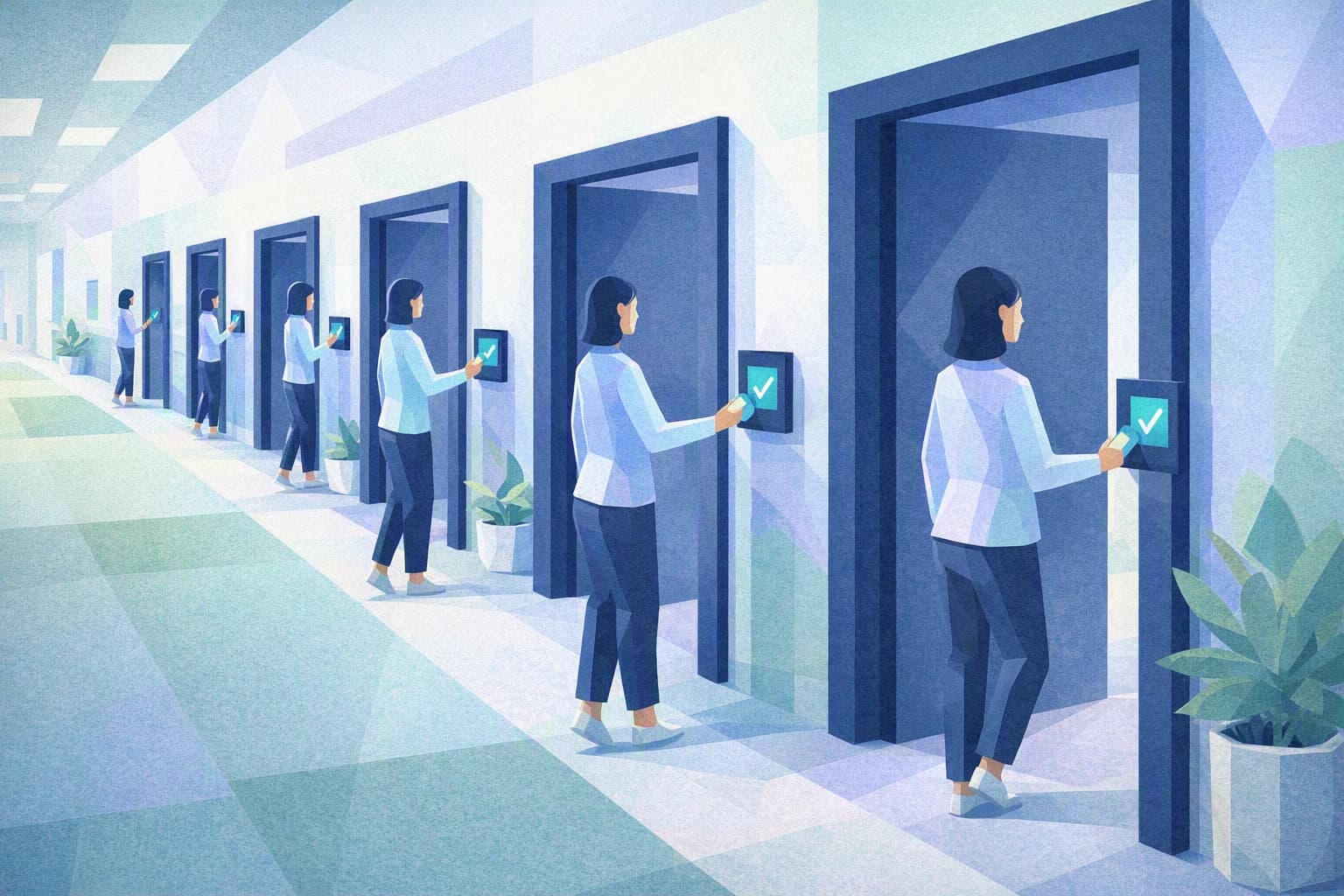
Zero Trust flips the assumption. Instead of trusting everything that is "in", it starts from the idea that no connection is reliable until it has been checked. At each access, three questions are asked: who is connecting, from which device, and to reach what? A correct password is no longer enough to open every door. That is exactly what was missing in the scene on the train: making sure that the theft of a single password does not, on its own, open the whole firm.
What to remember
Three ideas are enough to own the topic, without becoming an IT specialist.
Zero Trust is a posture, not a product. No vendor can sell you "the Zero Trust box." It's a direction you take, made of several small reflexes that, added together, shrink the impact of an incident. For an SME, the good news is that the first steps cost almost nothing and require no heavy IT project.
The principle targets the most ordinary incident, not the movie-style attack. The vast majority of intrusions into an SME come not from a brilliant hacker but from a weak, reused or phished password. Zero Trust goes straight for that link: it makes sure a stolen credential doesn't open everything, all at once.
It lines up with what is already expected of you. The nFADP — the Federal Act on Data Protection, in force since September 2023 — requires any organisation that processes personal data to take "appropriate" security measures. For a trust firm holding particularly sensitive data, limiting and verifying access isn't a technical luxury: it's a very concrete translation of that duty. And even though your business data is in Switzerland, what protects access to that data — your passwords, your logins — is not necessarily.
The steps to put in place this week
Here is the SME version of Zero Trust: three reflexes Sophie B. can start with no budget and no technical skill, leaning on her provider where needed.
1. Add a second proof to every login
This is the step with the highest payoff. Multi-factor authentication (MFA) means asking, on top of the password, for a second proof of identity: a one-time code on the phone, or an approval in a dedicated app. In practice, even if someone guesses or steals your password, they are still missing your phone.
Turn it on first where it matters most: business email, the document workspace and the accounting software. The Federal Office for Cybersecurity (NCSC) puts this measure at the very top of its recommendations for SMEs. It is the most visible cornerstone of the "always verify" principle.
2. Give each person only what they need
This is the second pillar of Zero Trust: least privilege. The idea: each person has access only to the data and tools their job requires, and nothing more. A front-desk intern doesn't need to open the payroll files; someone handling one client portfolio has no reason to view the others.
In practice, take inventory: who can see what today? You will almost always uncover access left over from old needs that nobody uses any more. Closing those doors doesn't hamper the work — it simply ensures that a compromised account exposes one room, not the whole building.
3. Regularly check who gets in, and with what
Zero Trust isn't a setting you configure once and forget: it's a check that comes back around. Get into the habit, every quarter, of reviewing the list of accounts: do people who have left still have active access? Does a former provider keep a forgotten way in? Also spot the devices connecting to your tools, and remove the ones you don't recognise.
This routine tidy-up is unspectacular, but it is what prevents the silent build-up of half-open doors — the ones nobody watches, precisely because trust was granted once and for all.
Where do you really stand?
Zero Trust isn't a box to tick, and certainly not a label you earn. It's a direction: you take it step by step, and you never truly "finish." So the real question is not "are we Zero Trust?" but "where are we still relying on a trust we never verified?".
That is exactly what the Cyber Passport self-assessment helps you see. It certifies nothing and hands out no label: question by question, it shows you where your organisation is solid and where it holds together mostly out of habit and interpersonal trust. To go further and turn these reflexes into a clear plan — who does what, in what order, with what effort — our dedicated blueprint walks through the process step by step.