Sophie B. runs a trust and accounting firm: she handles the books, payroll and tax files of dozens of small business clients. One Monday, a colleague flags a warning e-mail — someone has just tried to sign in to the firm's mailbox from abroad, using the correct password. The attempt failed by a hair. That morning, Sophie realises that a single password was protecting the professional confidentiality of all her clients, and that strong authentication, those two words she had seen without ever decoding them, was exactly what had been missing.
Strong authentication in plain terms: why a password is no longer enough
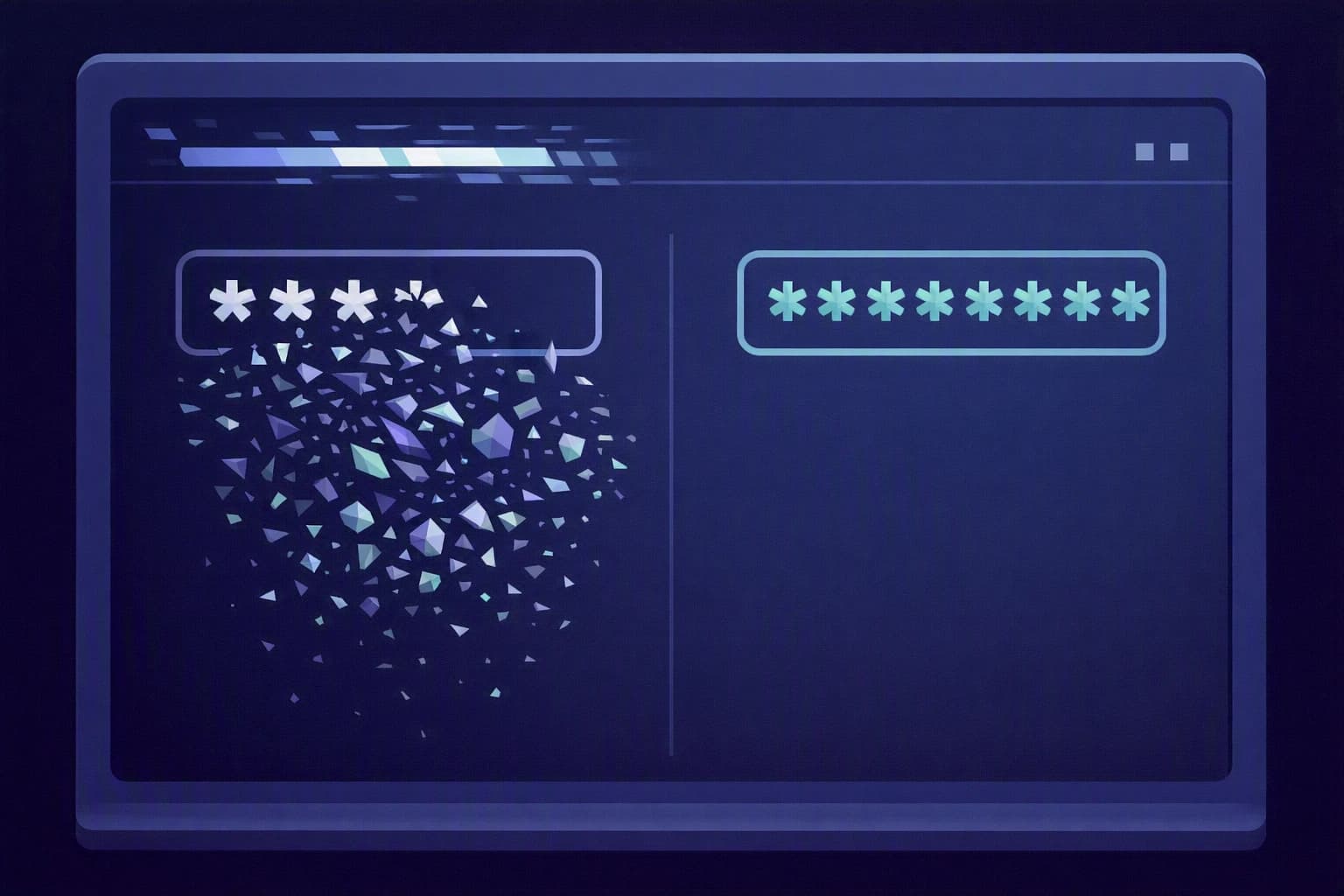
A password, however long, has a structural flaw: it can be copied. It leaks when a third-party site you once signed up to gets breached, it is guessed when reused from one service to the next, it is fished out by a fake login e-mail impersonating your mailbox. The day someone knows it, they become you, with no break-in and no alarm. For a firm whose raw material is trust, that is the weak point that hurts most: one stolen login, and the salaries and tax returns of dozens of clients are silently exposed.
The good news is that none of the solutions below requires an in-house IT person or a serious budget. They are settings already sitting inside the tools Sophie uses every day; you simply need to know which ones to switch on, and in what order.
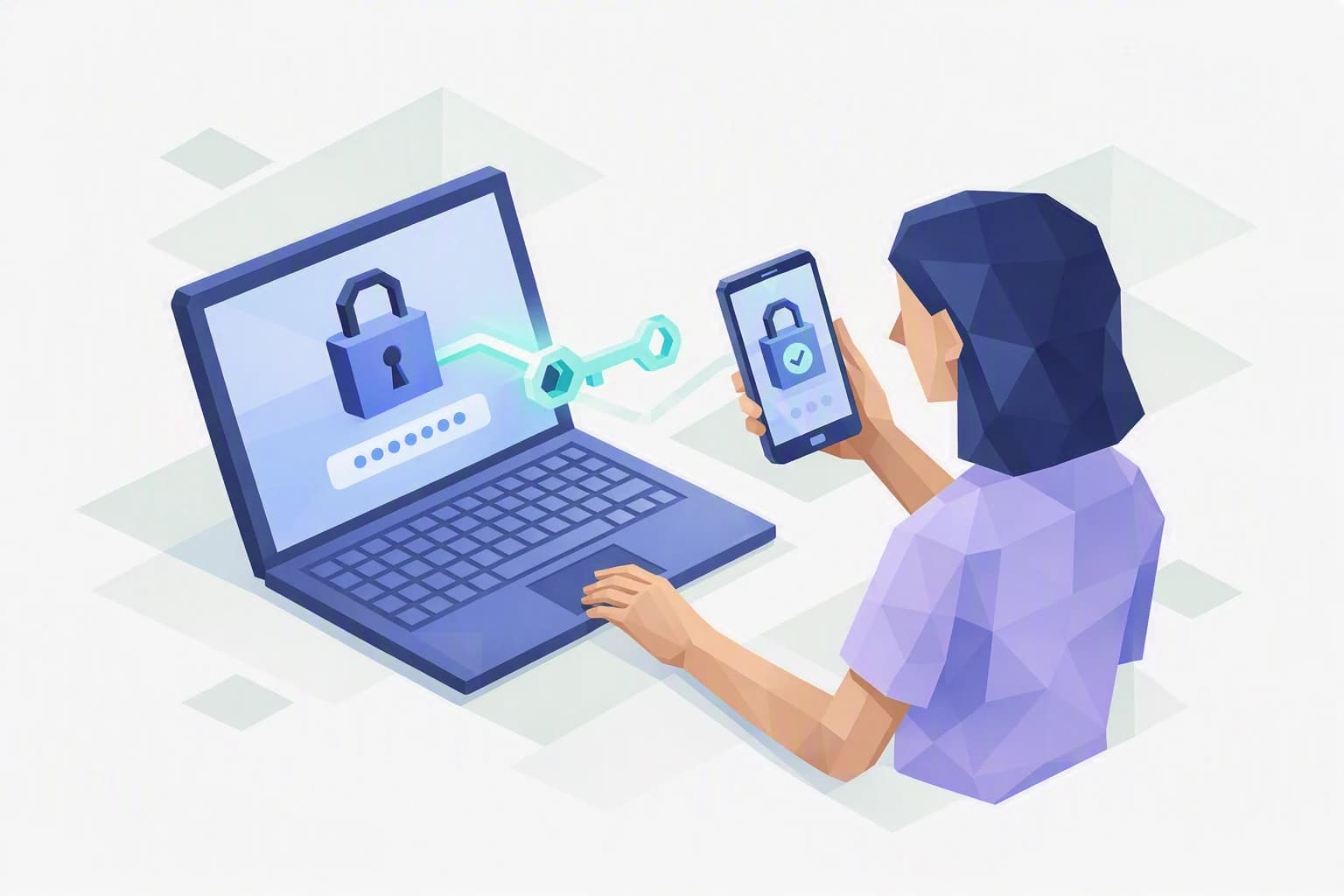
Two-factor authentication (MFA, for multi-factor authentication). On top of the password, the system asks for a second proof: a code sent to your phone, a notification to approve in an app, or your fingerprint. The idea is simple: even if your password is stolen, the second piece — the one physically in your hands — is still missing. This is the measure that would have stopped Sophie's intruder cold.
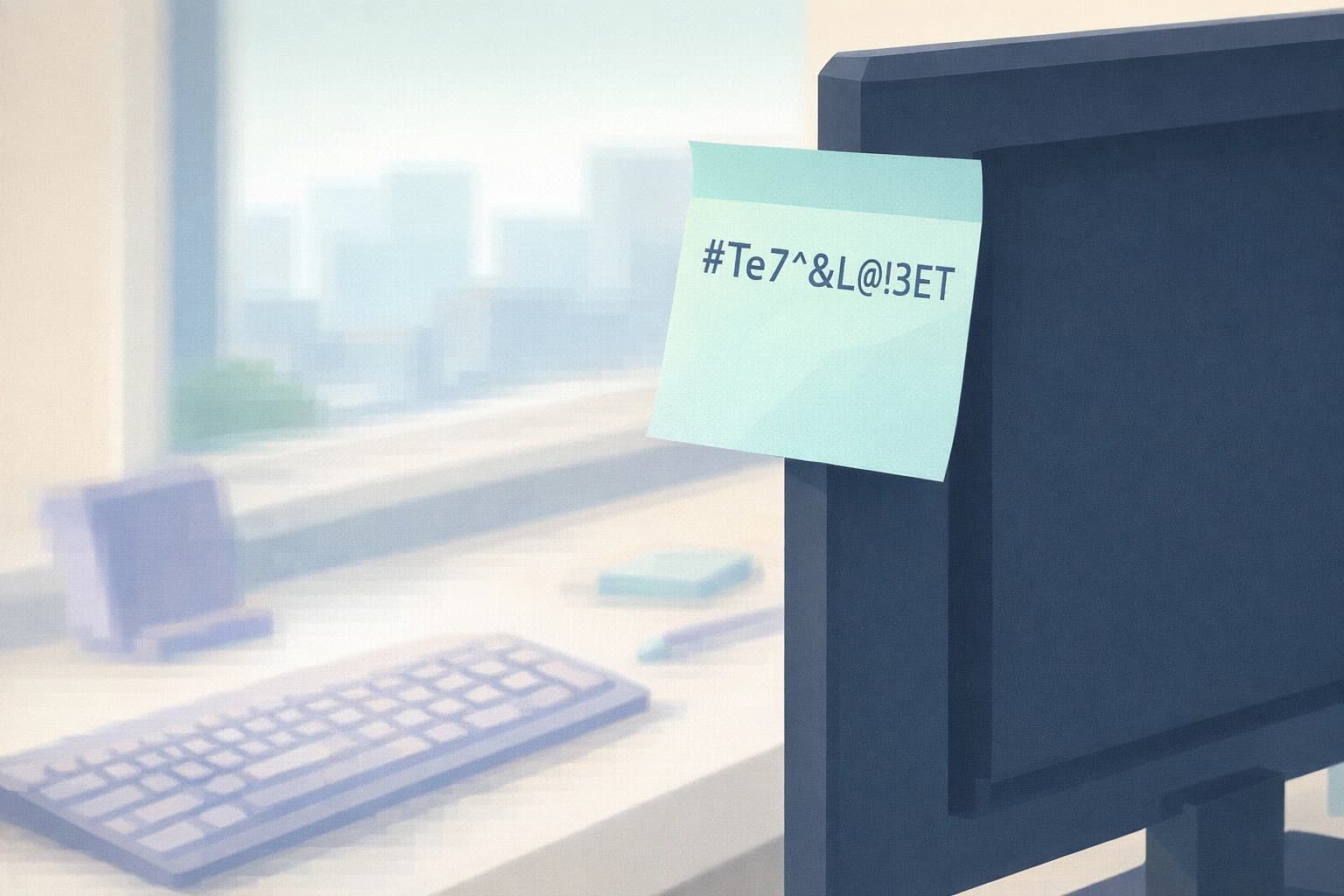
Single sign-on (SSO). Here, you log in only once, to a central, well-protected account, and that login opens access to all your everyday tools — mail, file storage, business software. No more ten different passwords scribbled on sticky notes. SSO does not replace two-factor authentication: it makes it bearable, because now there is only one door to walk through, and therefore only one to truly lock.
Passkeys. This is the newcomer that replaces the password outright. Instead, your device holds a secret key that you unlock with your fingerprint, your face or your phone's PIN. Nothing to memorise, nothing to type, and above all nothing to steal through a fake e-mail: a passkey only works on the genuine site it is tied to. A counterfeit login form gets nothing.
Camille sums it up for her clients like this: two-factor authentication adds a lock, single sign-on gathers the doors behind one, and passkeys remove the key that can be copied altogether.
So which one should you choose? The question matters less than it seems, because these tools answer different needs and combine with one another. For an SME like Sophie's, the order is almost always the same. Two-factor authentication is the foundation: essential, quick, to be applied everywhere sensitive data lives. Single sign-on is the comfort that makes the foundation liveable day to day, especially if your team already juggles several services. Passkeys are the direction everyone is heading — they offer the best protection against phishing — but you adopt them gradually, service by service, as your tools start to support them. In other words: you do not pit the three against each other, you roll them out in that order.
What to take away
These three tools do not compete, they stack. You start with two-factor authentication, you make it comfortable with single sign-on, and you migrate to passkeys where you can. You do not have to pick one of the three this quarter: you have to start with the first.
The sensitivity of your data sets the priority. The nFADP, Switzerland's data protection act, expects an SME that holds sensitive information — salaries, clients' tax and banking data — to take "appropriate" security measures. Guarding access to that data with a single line of text is no longer one of them. The Federal Office for Cybersecurity (NCSC) likewise puts two-factor authentication at the top of its recommendations for SMEs.
A hosting nuance, in all honesty. If you enable these mechanisms through a provider such as Microsoft 365, the authentication step runs through that provider, outside Switzerland. That is not a flaw — it is something to know when a client asks where their logins travel. Your business data itself can remain with a Swiss host; authentication is a separate flow.
Steps to put in place this week
1. Turn on two-factor authentication for your most sensitive logins
Do not try to cover everything at once. Start with the firm's mailbox and the administrator account — the two keys to the kingdom. In most office suites, switching it on takes a few minutes from the security settings, with no external provider. Prefer an authenticator app (which shows a code or a notification) over a code sent by SMS, which is easier to intercept.
2. Set up a backup access before you need it
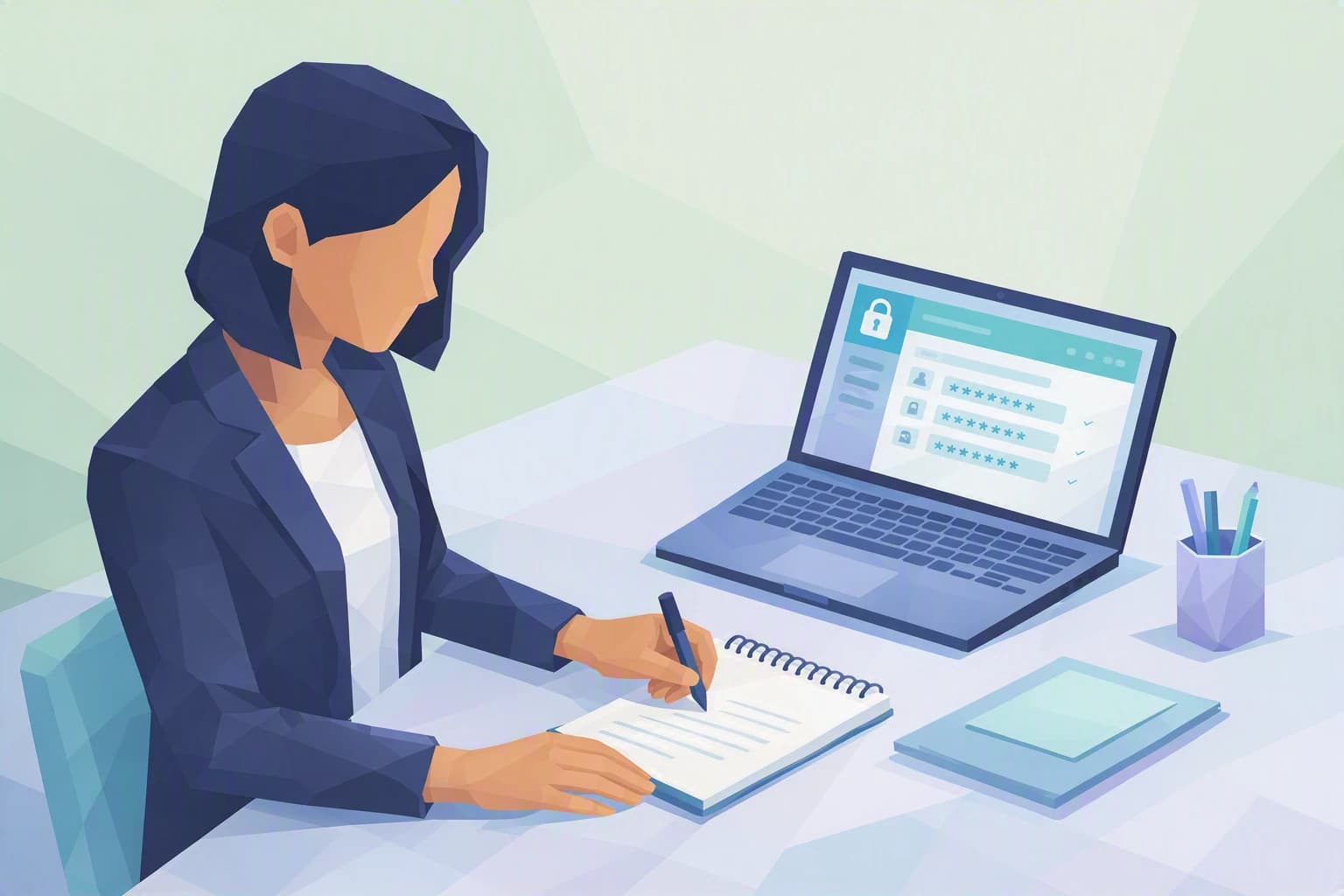
The real obstacle to two-factor authentication is not the technology, it is the fear of being locked out if you lose your phone. Handle it in advance: write down the recovery codes the service offers you at setup, and keep them offline, in a safe place known to two people you trust. Once that net is in place, no one has a reason to keep putting it off.
3. Try a passkey, just to see
Pick one account, enable a passkey on it from your phone, and log in once with your fingerprint instead of the password. In ten minutes, you and your team will feel the difference: simpler to use, and impossible to phish, since the key refuses to work anywhere but on the genuine site. It is the best way to prepare the ground before rolling it out widely, without committing the whole firm overnight. While you are at it, note which of the firm's tools already offer passkeys: that short list becomes your roadmap when you decide to go further.
Where do you really stand?
Turning on two-factor authentication for one mailbox is a step. Knowing which logins still lack it, who holds the administrator accounts, what happens the day a colleague leaves with a shared password in their head — that is another matter, and that is where the real risk hides for a trust firm.
The Cyber Passport self-assessment reviews exactly these questions, one by one. It certifies nothing and does not declare you "secure": it shows you, item by item, where your strong authentication stands firm and where it still rests on a single password. It is the honest starting point before rolling out a real plan.