One Monday morning, Sophie B. opens the firm's inbox and finds an alert: several login attempts have failed on the account of a colleague who is on holiday. Nothing was stolen this time. But the targeted password — a first name followed by a year — would not have held out for long. Now that artificial intelligence gives attackers a serious boost, that kind of key protects almost nothing.
AI and passwords: what has really changed
Guessing a password is nothing new: attackers try combinations until one fits. What artificial intelligence (software that learns from huge amounts of data) changes is speed and finesse. By training on the passwords already exposed in past breaches, these tools learn human habits: a child's first name, a birth year, an "@" instead of an "a", the row of keys at the top of the keyboard. They no longer test at random — they guess the most likely combinations first. The result: a short password, even one stuffed with special characters, now falls very quickly.
Two very common habits then become dangerous. The first: reusing the same password across several services. All it takes is for one site where you have an account to suffer a breach, and that password is then tried, automatically and at scale, on your inbox, your bank and your business tools. It is painstaking work that automation makes instant. The second: believing that a "complicated" password is necessarily a good one. Complicated and long are not the same thing — and against a machine, it is length that makes the difference.
For a firm like Sophie B.'s, the stakes are anything but theoretical. An accounting firm handles salaries, tax data and bank details for hundreds of client SMEs. A single forced inbox, and professional confidentiality — along with the trust patiently built with those clients — starts to crumble. The nFADP (Switzerland's revised Federal Act on Data Protection) expects the person responsible for an organisation to protect this information with "appropriate" measures. In plain terms: letting the whole house rest on fragile passwords does not qualify. Switzerland's National Cyber Security Centre (NCSC) likewise recommends long passwords and a second login step.
Here is a concrete example. Suppose a shopping site a colleague signed up to years ago gets hacked. Her work e-mail address and the password she chose there end up on a list that circulates. If that same password also protects her firm inbox, the attacker no longer has to guess it: he already knows it, and a program tries it on its own, across thousands of services, in a matter of minutes. The weak link is not the firm — it is an old account forgotten somewhere else.
In plain terms (Camille). The perfect password does not exist; it will always leak one day. So the goal is not to find the perfect key, but to make sure a leak has no consequences: one password per service, long enough to resist, and a second lock behind it. It is that combination, not the cleverness of a single password, that protects you.
Good news: AI does not only work for attackers. The same progress also helps to spot an unusual login, filter a booby-trapped e-mail, or generate and remember strong passwords with no mental effort. AI and passwords, then, is not just one more threat: it is also a chance to clean up habits that have been lying around for years.
What to remember
- Length beats complexity. A phrase of several words, easy to remember, resists far better than a short password bristling with symbols. Each extra word multiplies the work for a machine.
- Reuse is the real trap. A unique password for each service prevents a single leak, on any site whatsoever, from bringing all your accounts down like dominoes.
- The password is no longer the last line of defence. A second proof of identity — or a method with no password at all — takes over the day the password itself finally leaks. And one day, statistically, it will.
Steps to put in place this week
1. Switch to passphrases
Replace your passwords with passphrases: several words strung together with no obvious logic, for example "bike-carrot-lamp-Jura". The longer, the better — aim for at least a dozen characters. It is easier to remember than "P@ssw0rd!" and far harder for a machine to guess, because a phrase follows none of the habits AI has learned. Start with the most sensitive accounts: e-mail, accounting software, online banking. You do not have to change everything at once — deal first with what protects your clients' data. And forget the old reflex of a forced change every three months: a long, unique passphrase that rarely changes beats a short password renewed by adding "1", "2", "3" at the end. That is, in fact, what the national cyber security centre recommends today.
2. Turn on two-factor authentication where it matters
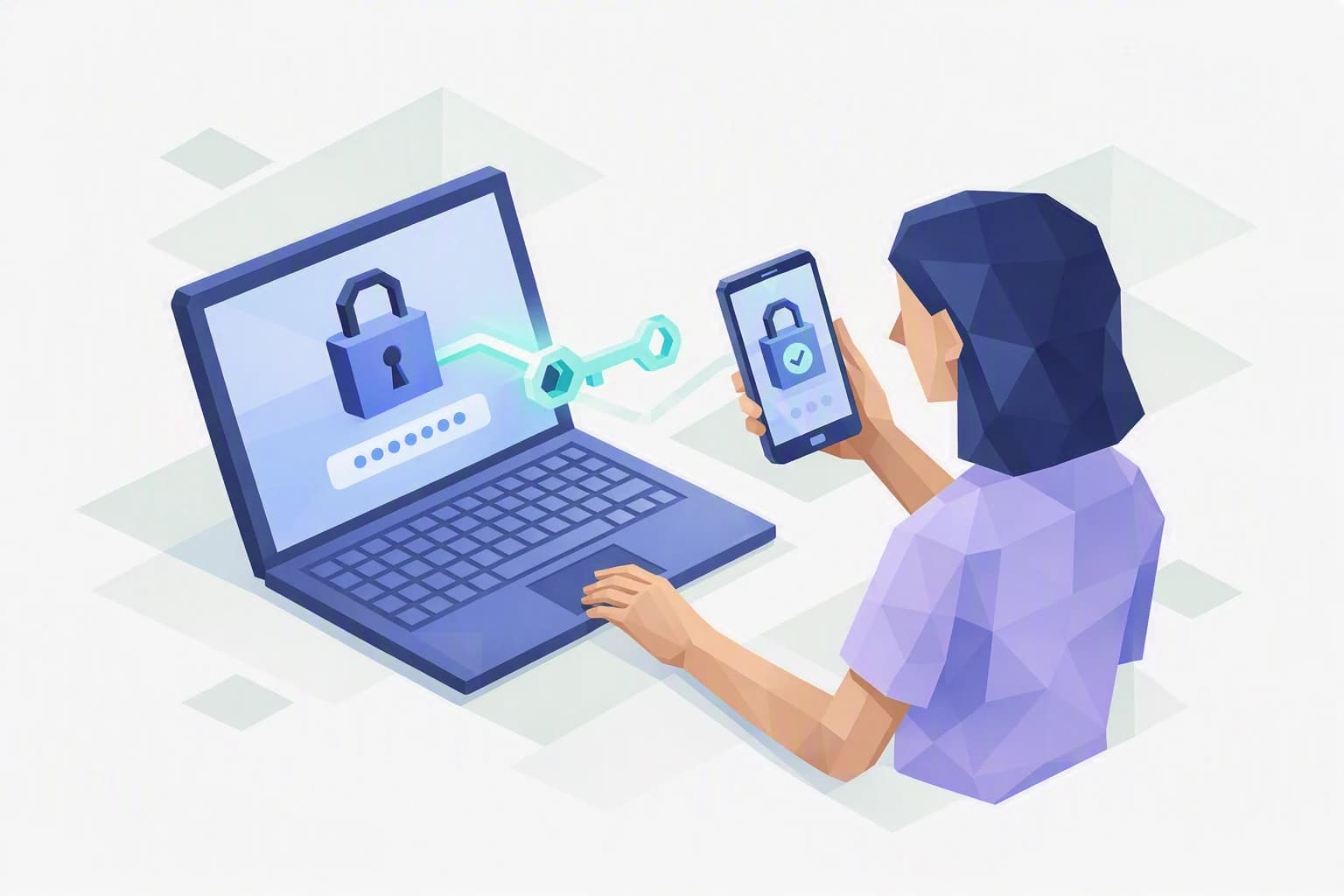
Two-factor authentication (MFA) adds a second proof when you log in: on top of the password, a code on your phone or a confirmation in an app. Even if your password leaks, the attacker stays locked out without that second key. Turn it on first for Microsoft 365, your e-banking and your business software. It is free, takes a few minutes per account, and is probably the step with the best ratio of effort to protection. Note where you have enabled it, so no critical account is left out.
3. Hand your passwords to a manager — and discover passkeys
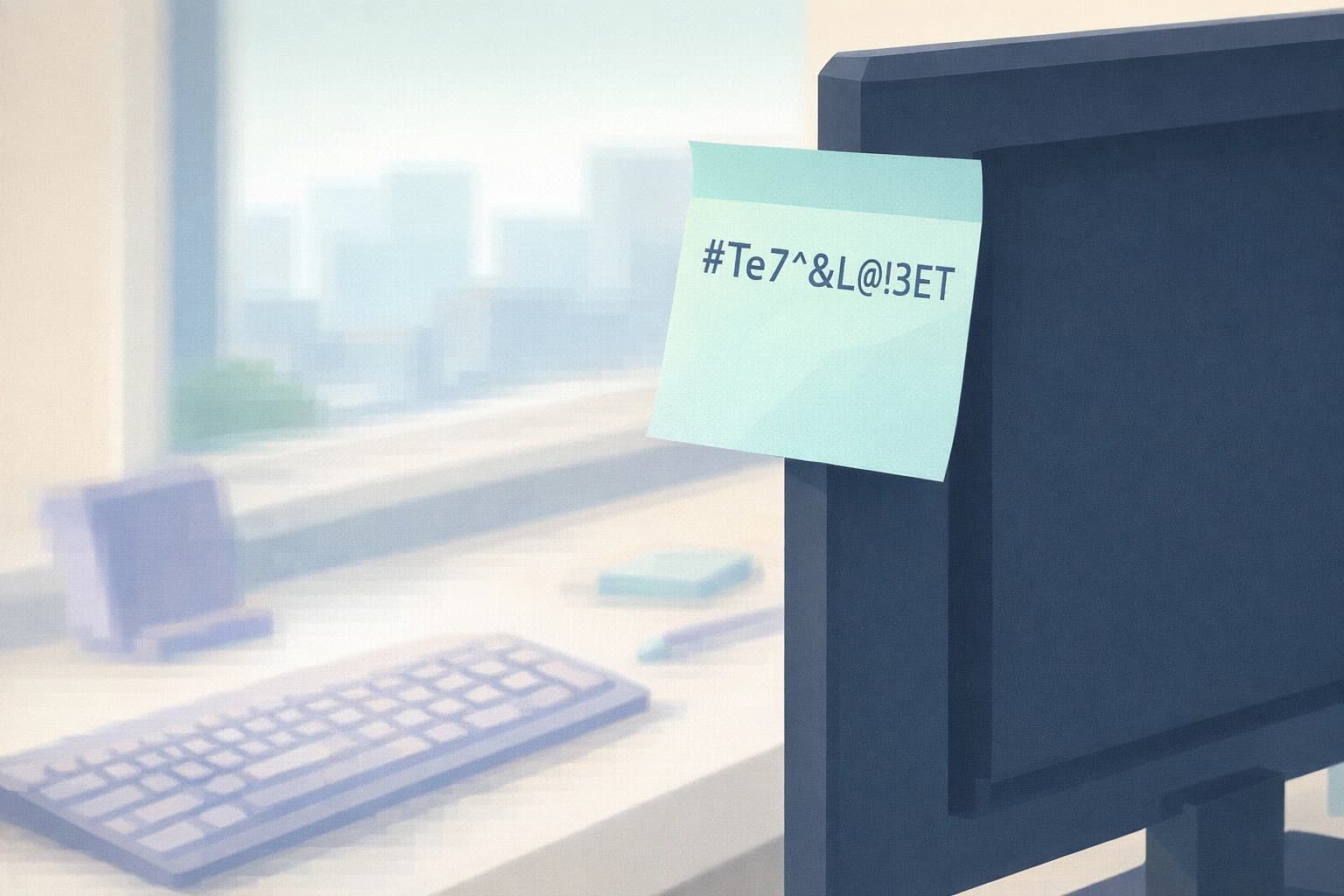
A password manager is a digital vault that creates, remembers and fills in unique, strong passwords for you: you only memorise a single master password, long and well guarded. No more sticky notes under the keyboard or shared Excel files. Keep an eye, too, on passkeys: a way to sign in with no password at all, tied to your phone or computer, that AI cannot guess because there is simply nothing left to guess. More and more services used in Switzerland offer them — enable them as soon as you can, starting with your most exposed accounts.
Where do you really stand?
These three steps need neither a budget nor an IT specialist: they come down to simple decisions you can make this week. The real question is knowing where your organisation stands today, account by account. When it comes to AI and passwords, improvising is expensive — but an honest stock-take changes everything.
That is exactly what the Cyber Passport self-assessment offers. It certifies nothing and promises no compliance: it shows you, question after question, where your access is solid and where it still rests on a fragile password. Enough to turn a vague worry into a clear plan, at your own pace.