At Sophie B.'s firm — she's the managing partner of a Swiss accounting practice — the password for the bookkeeping software is long, complicated, and known to the whole team, because sharing it is easier than creating one per person. When a client worries about how their tax data is protected, Sophie reassures them: "our IT provider handles that, and anyway it's all in the cloud." Two reassuring answers, two cybersecurity myths that expose her far more than she imagines.
Two cybersecurity myths that trap SMEs
An accounting firm handles some of the most sensitive data an SME can hold: bookkeeping, salaries, tax and banking records for dozens of clients. Professional secrecy isn't optional here — it's the core of the job. Yet security often rests on two certainties inherited from the 2000s, ones that today's attackers know exactly how to get around. Here they are, broken down without jargon.
"A complicated password is enough"
The idea sounds solid: a long password with capitals, digits and symbols is hard to guess. True. The trouble is that most modern attacks no longer try to guess it — they go around it.
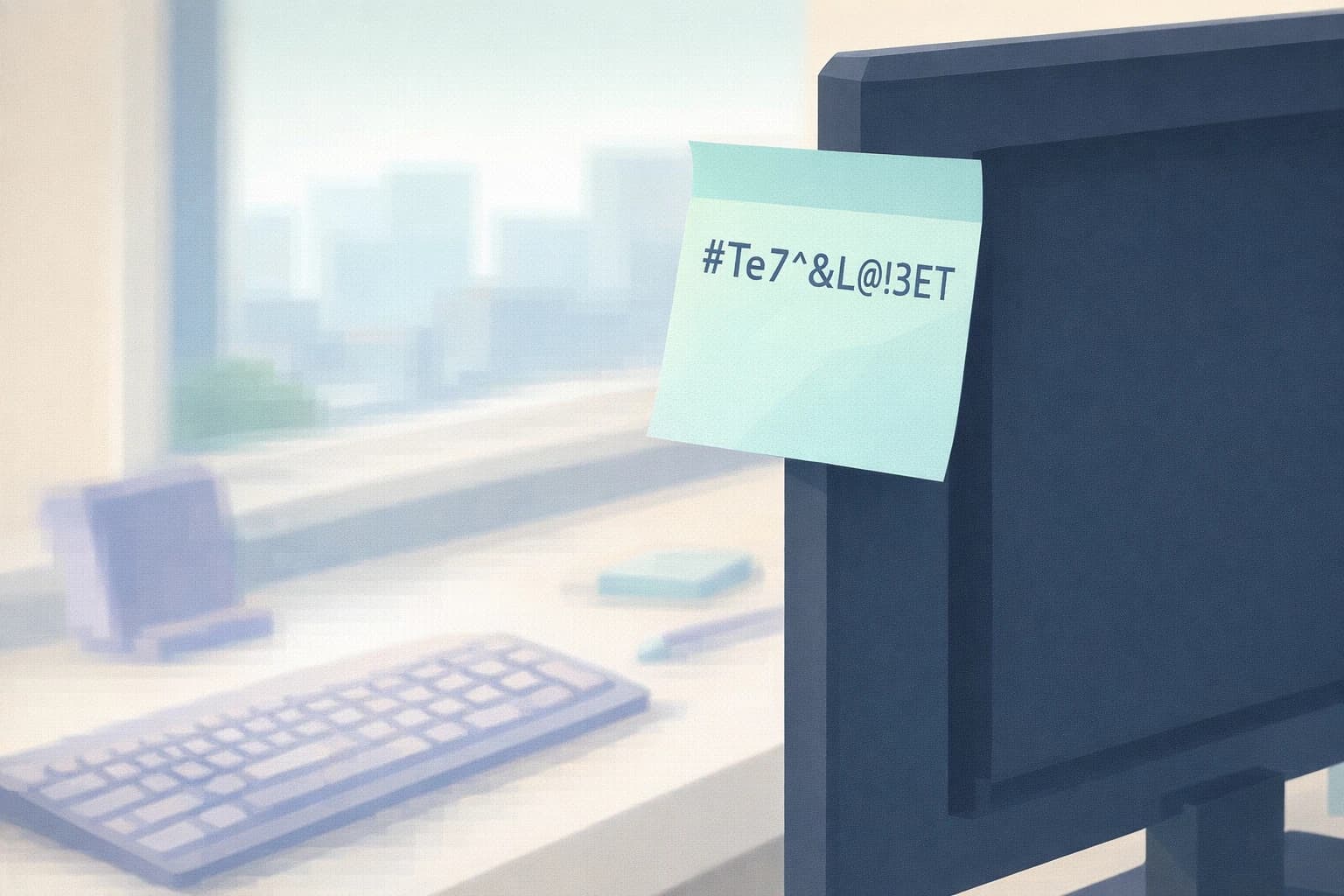
Phishing — a fake email that imitates your bank, your accounting software or Microsoft and invites you to "confirm your access" — captures your password the moment you type it, however complicated it is. Credential stuffing (the mass-testing of passwords already stolen from other sites) exploits a common habit: reusing the same password everywhere. If your email password also opens the bookkeeping software, a single leak opens both doors. And a password written on a sticky note or sent in an internal email is, by definition, no longer a secret.
There's even a perverse effect: the more you demand complicated, frequently changed passwords, the more people write them down so they don't forget them. The rule meant to protect ends up weakening.
A good password still matters. But on its own it's just a lock on a door — effective until someone gets hold of the key. Real protection means adding a second proof: that's the role of multi-factor authentication (MFA) — on top of the password, a code on your phone or an approval in an app. Even if stolen, the password alone is no longer enough to get in. This isn't an expert luxury: it's one of the very first steps that the NCSC, Switzerland's National Cyber Security Centre, recommends for SMEs.
"The cloud is bound to be riskier than my own server"
The opposite reflex is just as common: "my data would be safer on a server here, in my office, than in the cloud." The cloud — services and files hosted by a provider rather than on a machine on your premises — feels worrying precisely because you can't see it; it's "somewhere else."
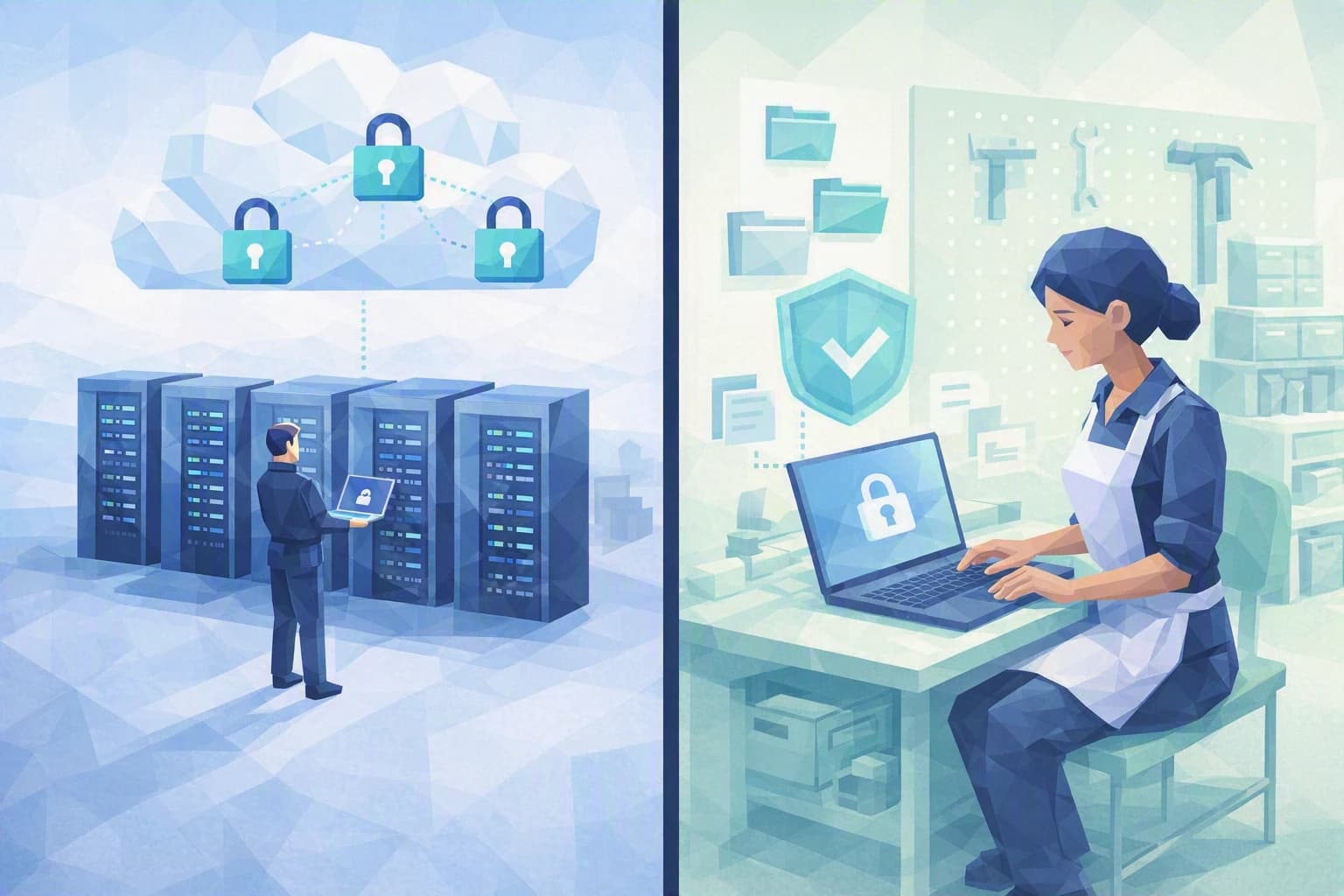
Yet the industry's experience is consistent: when an incident hits a cloud environment, it very rarely comes from a flaw in the provider's infrastructure. It almost always comes from how the customer configured and administered it — an access left open, a former employee never disabled, a shared folder made public by mistake, missing multi-factor authentication. This is the shared responsibility model: the provider secures the foundations (the servers, the buildings, the network), and you remain responsible for your access, your settings and who can see what.
In plain terms, as Camille, our advisor, puts it: the right question isn't "cloud or no cloud," but "who does what, and is it done well?" The "in-house" server has its own blind spots: someone has to back it up, patch it and monitor it — three tasks that, in a firm with no in-house IT, quickly fall by the wayside. One failed disk or one flooded room, and the clients' entire accounts are gone.
For a firm running an online office suite, a properly configured cloud — with controlled access and multi-factor authentication — usually protects better than an old server under a desk that nobody updates anymore. Provided you know where your data is hosted: several providers let you keep your business data in Switzerland, a useful argument with a client attentive to the nFADP, Switzerland's data protection act.
Key takeaways
- The password isn't the last line of defence, it's the first. However complex, it can be phished, reused or shared. What really changes the game is multi-factor authentication and never reusing the same password.
- The cloud isn't the weak link; often your configuration is. Security depends on how you manage access, not on whether you host your data with a provider or within your own walls.
- These two beliefs share one flaw: they rest all of security on a single element — a password, or a storage location — when it always comes down to a combination of simple, complementary habits.
Steps to put in place this week
1. Turn on multi-factor authentication for your critical access
Start with email and the accounting software — the firm's two safes. Multi-factor authentication takes a few minutes to switch on in the settings of most professional services. On its own, it neutralises the vast majority of password thefts.
2. Stop sharing passwords
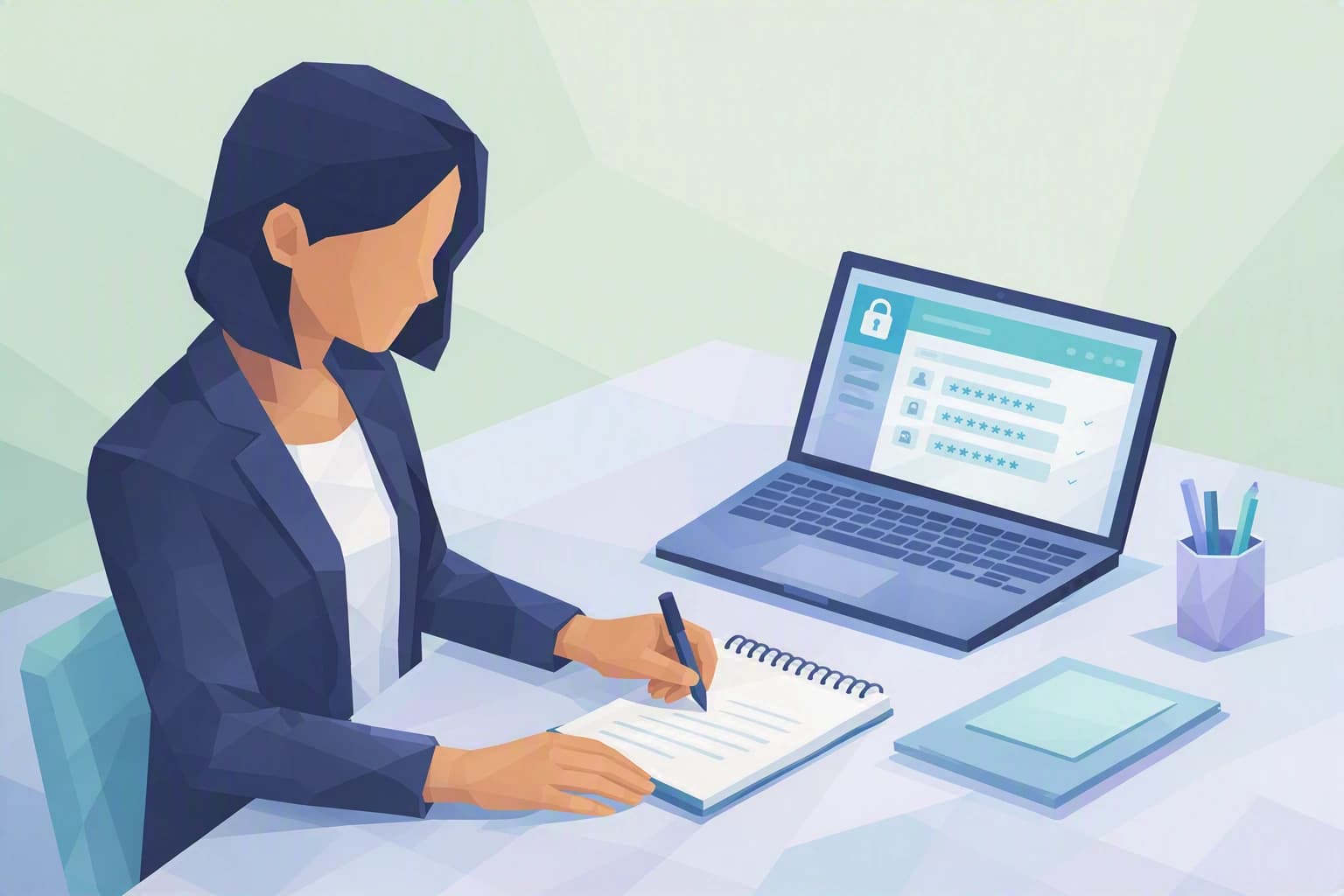
A password known to the whole team is no longer a secret. Everyone should have their own credentials; to avoid the sticky note coming back, a password manager (a digital vault that remembers and fills in passwords for you) lets each person hold unique ones without memorising anything. Bonus: when someone leaves, you cut off their access, not "the" password everyone uses.
3. Review your cloud access
Take thirty minutes to list who has access to what in your online tools: are there old accounts still active? Folders shared with "everyone"? Accounts without multi-factor authentication? This simple, free review fixes most of the configuration mistakes behind incidents. Write down what you find: that short list becomes the starting point for your upgrade — and the proof, the day a client asks, that you know exactly who accesses their data.
Where do you really stand?
These three steps are neither a matter of budget nor of technology: above all they call for an honest look at your habits. The hard part isn't understanding them, but knowing where to start and what really matters for an SME like yours.
That's exactly what the Cyber Passport self-assessment offers. It certifies nothing and never declares you "compliant": it shows you, question by question, where your organisation is solid and where it still rests on a cybersecurity myth, then points you to the priorities to address. Enough to turn two received ideas into a clear plan.