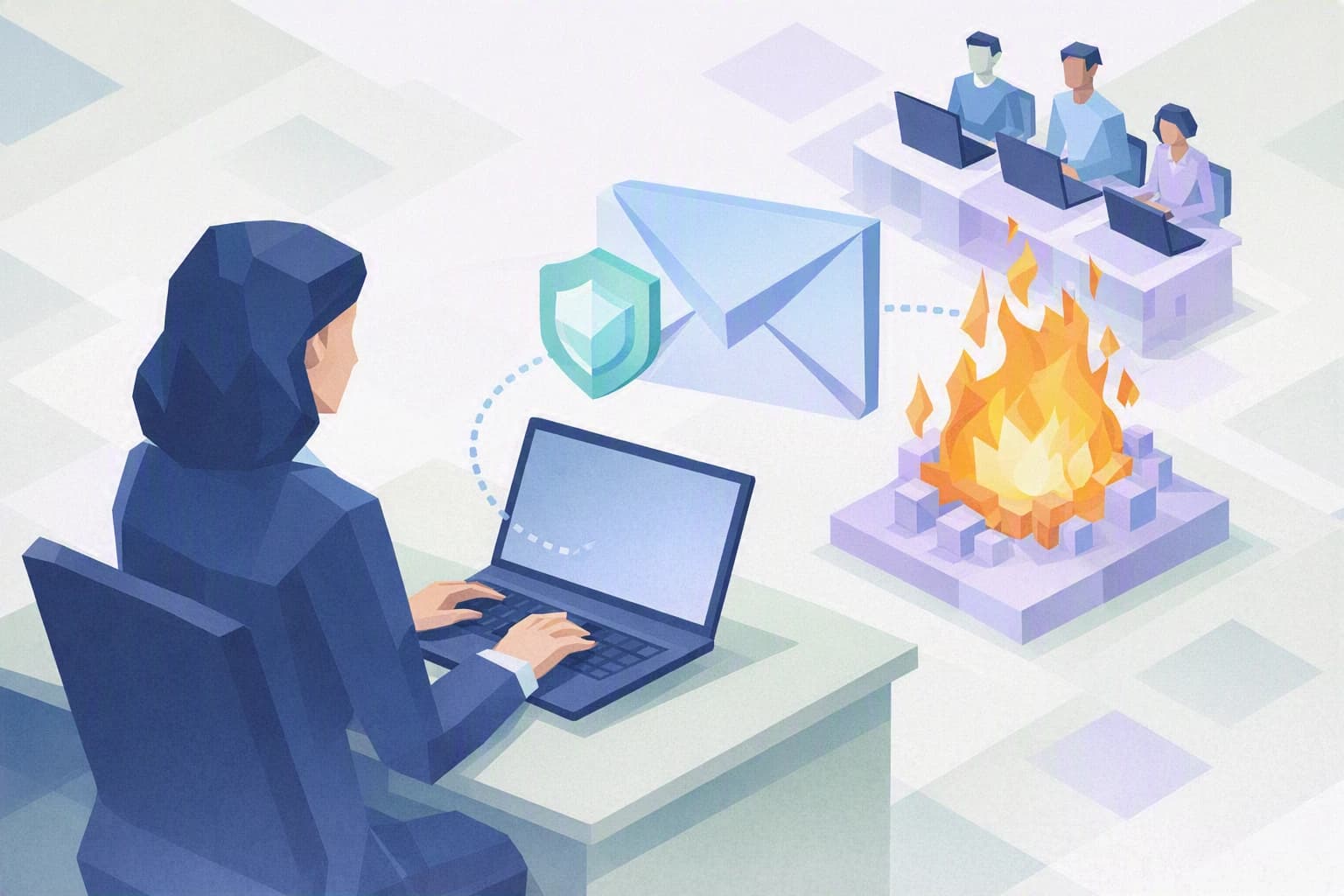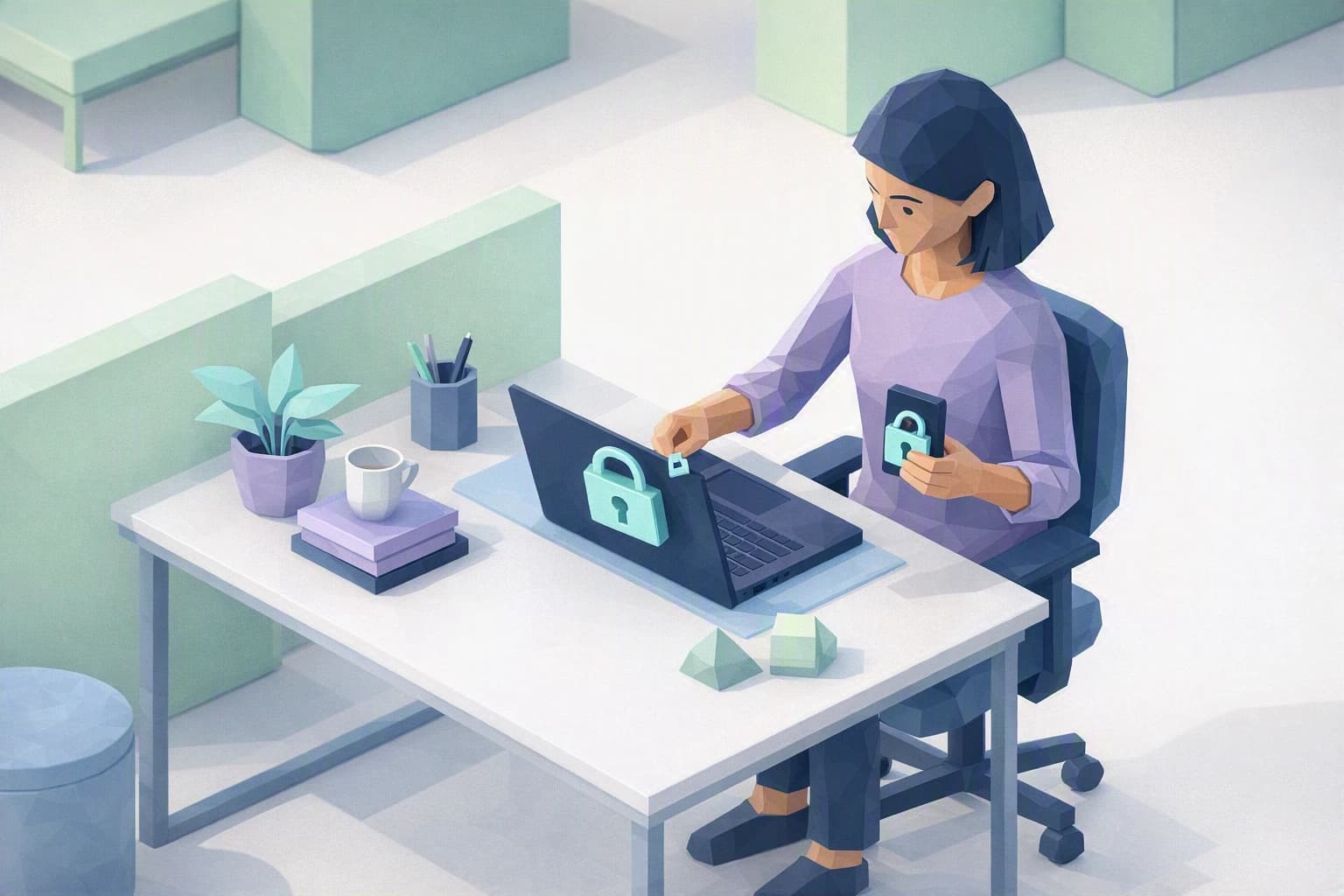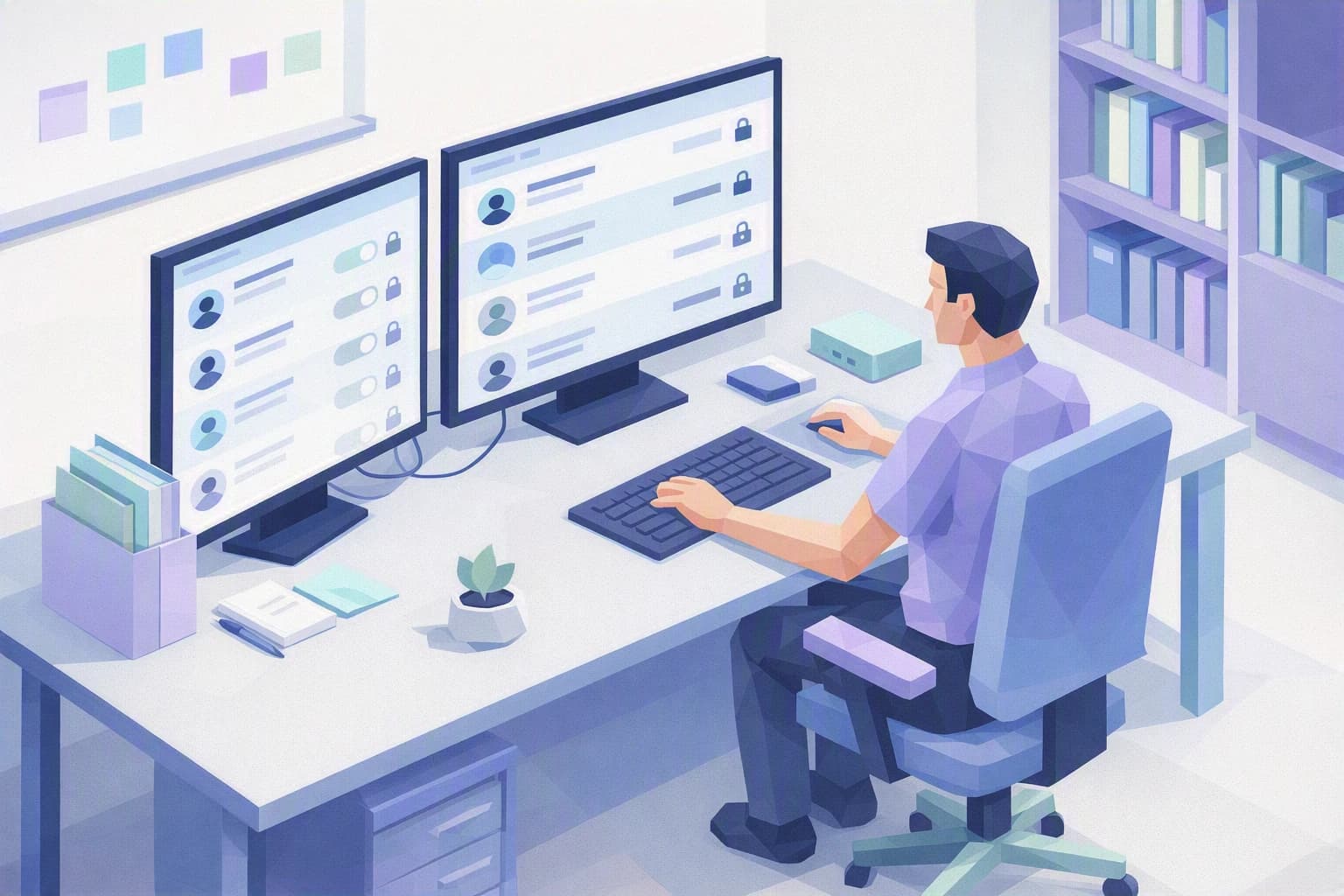
One Monday morning, Daniel A. stumbles on a shared folder lingering in his workshop's Microsoft 365: the drawings for a part delivered to a watchmaking client, opened up "to the whole company". At the same moment he thinks of the intern who left in the spring — is that account still working? Nobody ever really sorted this out, and none of these questions has a clear answer that morning.
It is an entirely ordinary situation, and that is exactly what makes it worrying. In an industrial SME that lives on its drawings and its order book, digital access has piled up over hires, departures and quick fixes, without anyone ever looking at the whole picture.
Why review Microsoft 365 access, not just passwords
Microsoft 365 is your email, your shared files, Teams, the calendar: the administrative nervous system of the company. Everyone has an account, and every account opens the door to a certain number of things. The problem is that this access only ever adds up. You grant it to solve a problem, for a project, for a stand-in — and you almost never take it back.
Three drifts show up again and again in SMEs.
First, the dormant account: the account of someone who has left the company, or no longer uses it, but which is still active. As long as it exists, it can be used — by the person who left, or by an attacker who got hold of it. It is a door left open in a building nobody watches any more.
Next, over-broad sharing: a folder of files opened up "to everyone" one day to save time, and never closed again. In a subcontracting workshop, that can mean the technical drawings of a client — their intellectual property, the most sensitive thing they entrust to you — are visible to people who have no reason to see them.
Finally, the build-up of permissions, sometimes called "privilege creep". Someone changes role, takes on new responsibilities… and keeps all their old access on top of the new. After a few years, nobody really knows who can do what. Add to that the external guest — a supplier, an accountant, a client granted a folder for the length of a project — and you end up with an access list nobody has ever read in full.
None of these drifts stems from any fault. They are born of the pace of daily work: you grant access because a job has to ship, you never close it because nothing reminds you to. That is precisely why access is not managed "once and for all" but reviewed regularly, the way you would recount a stock.
To keep your bearings, one simple principle serves as a compass: least privilege. In plain terms, everyone should only have access to what they need for their job — no more, and not forever. It is a recognised good practice, at the heart of standards such as ISO 27001:2022, the very one your watchmaking clients look at when they send you a supplier security questionnaire before renewing a contract.
What to take away
Three ideas are enough to grasp what is at stake.
Access piles up silently. Nobody decides one morning to throw their data wide open; it happens step by step, with no bad intent. That is exactly why you need, from time to time, to take the step back that daily work never allows.
An account with no reason to exist is a risk, not a detail. The departed intern's account, the generic mailbox three people share, the access granted "just this once": each is a possible way in. Removing them costs nothing and takes away that many doors to watch.
Knowing who accesses what is also something the nFADP expects. Switzerland's new Federal Act on Data Protection (nFADP), in force since September 2023, asks companies to keep data "appropriately" secure. Controlling access is part of that: it is hard to protect a piece of data if you do not know who can read it. If you also work with clients in the European Union, the GDPR expects the same.
Steps to put in place this week
You need neither a full audit nor an outside provider to begin. Three steps, done by you or your IT contact, are enough to take back control.
1. List the accounts and spot the dormant ones
Ask for the list of everyone who has a Microsoft 365 account. Go through it with one simple question for each line: does this person still work here, and do they really use this account? Accounts of people who have left get disabled first. Generic mailboxes shared by several people get noted down: they are cases to handle, because when everyone has access, no one is really responsible.
2. Look at who really accesses your sensitive folders
Pick your two or three most critical folders — for a workshop, that is often the client drawings and the machining specifications. Open the list of people who can access them and read it slowly. Every name should feel obvious. A share opened "to everyone" or an external access you do not recognise is a signal to fix straight away. The goal for the week is not to comb through everything, only to check your safes.
3. Make "least privilege" a reflex at every move
The real shift is not a one-off clean-up, it is a habit. At every departure, every arrival, every change of role, ask the access question at the moment it happens, not six months later. A departure closes access the same day. A change of role removes the old permissions at the same time it opens new ones. That reflex alone stops most drifts from ever setting in — and it costs nothing more than a question asked at the right time.
In an SME like Daniel A.'s, this kind of discipline often rests on a single overstretched person, a part-time IT contact who "puts out fires". All the more reason to make it a light, shared routine rather than a project that depends on one person's memory.
Where do you really stand?
These three steps give you a snapshot, not yet a system. Reviewing Microsoft 365 access once is good; knowing how often to do it again, how to track changes, who is responsible and how to prove it to a client, is another matter — the work of genuine access management over time.
This is where the Cyber Passport self-assessment comes in. It certifies nothing and does not declare you "compliant": it shows you, question by question, where your organisation stands firm and where it still rests on people's memory. You come out of it with a clear picture of your maturity and an honest starting point to structure what comes next. Switzerland's National Cyber Security Centre (NCSC) likewise places access control among the basic measures it recommends to SMEs.
To go further and set up a complete access lifecycle — named accounts, periodic review, a departure procedure — our "Access management" blueprint walks through the method step by step.