Sophie B. runs an accounting firm. Last week, a client asked her almost in passing how she protected the financial data he entrusts to her. She answered "we're careful" — then realised she had no real idea of the actual state of her IT security. The good news is that you can start measuring it without spending a franc: free self-assessment tools exist, and some are built for her, not for an IT specialist.
Free self-assessment tools — but not all of them are for you
Type "assess my IT security" into a search engine and you'll find dozens of free tools. The trap is that they don't play in the same league. You need to separate two worlds.
The first is the world of experts. It's home to vulnerability scanners (software that combs through a system to spot its technical weaknesses) and attack simulators (tools that "attack" your system for real, to see what would give way). They are powerful, often free, but designed for specialists. In the hands of someone untrained, they spit out unreadable reports — or worse, they create false reassurance: "the scan found nothing" does not mean "we're safe".
The second world is open to any business owner: self-assessment questionnaires, breach checkers and dashboards you already own without knowing it. These aren't trying to play hacker. They make you ask the right questions and measure the gap between where you are and where you should be.
The difference comes down to one image. The vulnerability scanner is the plumber's wrench: essential for him, useless and dangerous in the hands of someone who doesn't know the pipework. The self-assessment questionnaire is the checklist you run through before going on holiday — turn off the gas, shut the water, tell the neighbour. No expertise required: you just answer honestly and deal with the boxes left empty.
For a service business like Sophie B.'s — no in-house IT, an external provider who "handles the computers", extremely sensitive client data — it's this second world that matters. Self-assessment isn't about becoming a cybersecurity expert. It's about methodically asking the questions an auditor would ask, and seeing in black and white what holds up and what rests on habit. The external provider does a good job when you call them; you still need to know what to ask for. Self-assessment gives you exactly that vocabulary.
What to keep in mind
Free doesn't mean useless. The best self-assessment tools cost nothing because they're built on recognised frameworks and public resources. Budget is not what's stopping you from starting.
It's not the tool that matters, it's the question it makes you ask. "Do we have a second proof of identity to log into email?", "Could we restore a client folder deleted by mistake?". A good tool turns a vague worry into a concrete, prioritisable list of items.
A misread expert tool is worse than no tool. A technical report nobody understands ends up in a drawer and creates the illusion that "it's handled". In Switzerland, the NCSC, the Federal Office for Cybersecurity, publishes free resources designed specifically for SMEs: a reliable starting point, in your language and your context.
A tool is no substitute for a method. Stacking three questionnaires and two dashboards achieves nothing if no one connects the answers. The value of a self-assessment doesn't come from the number of tools, but from returning to the same point six months later to see what has moved. Repetition is what turns a snapshot into a trajectory — and that's what truly reassures a client entrusting you with their data.
The moves to put in place this week
Three moves, no budget and no call to your provider. Each gives you a baseline measurement.
1. Open the security dashboard you're already paying for
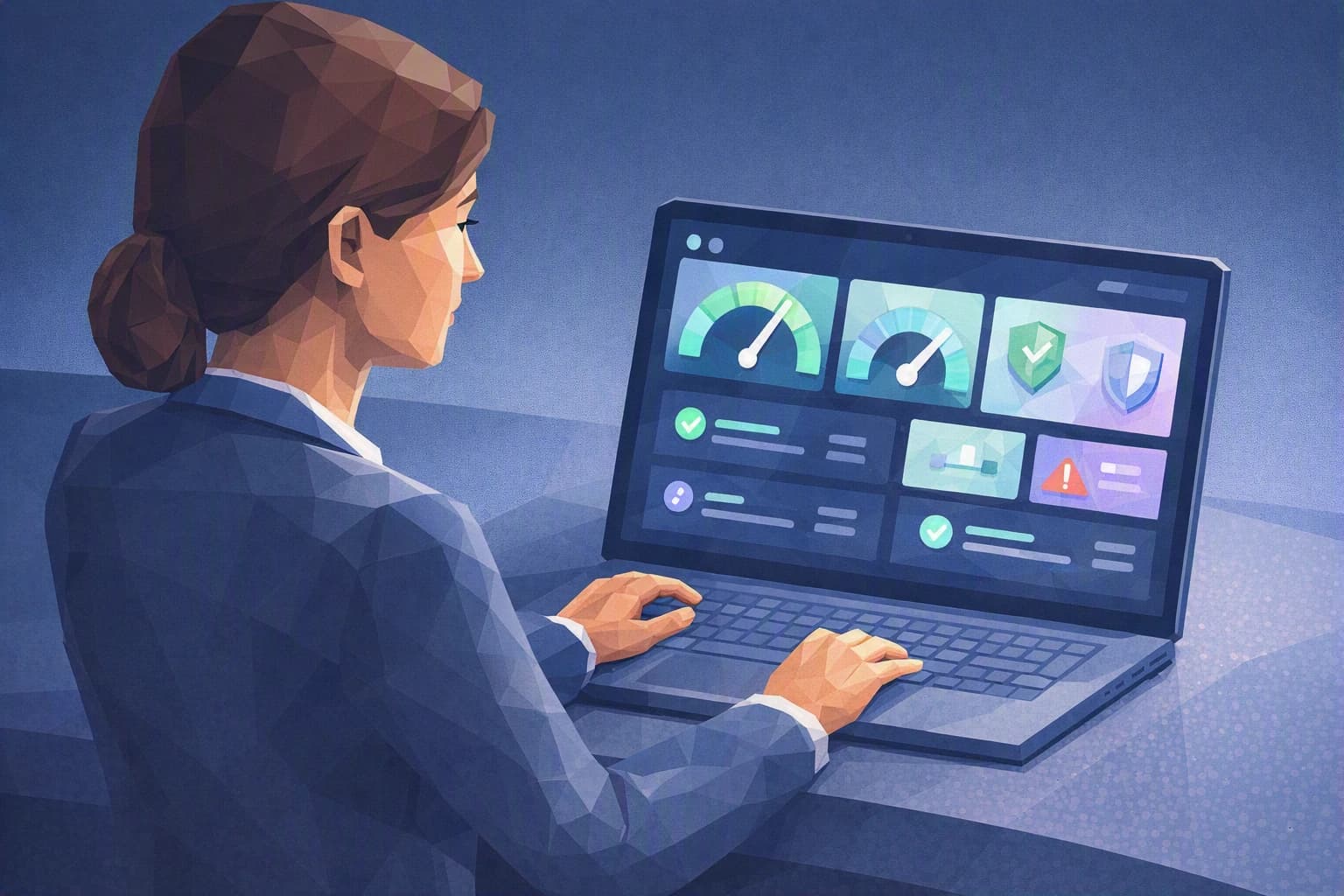
Your office suite — email, file sharing, calendars — almost always displays a security indicator: an overall score, along with concrete recommendations (turn on two-factor authentication, review overly open file shares, spot dormant accounts). Most owners have never opened it. Take ten minutes, find that screen in the admin console, note the figure shown. That's your zero point — the one you'll aim to raise. Don't have admin rights? That's information in itself: it means only your provider sees this dashboard, and nothing stops you from asking for an annotated screenshot at their next visit.
2. Answer an official self-assessment questionnaire honestly
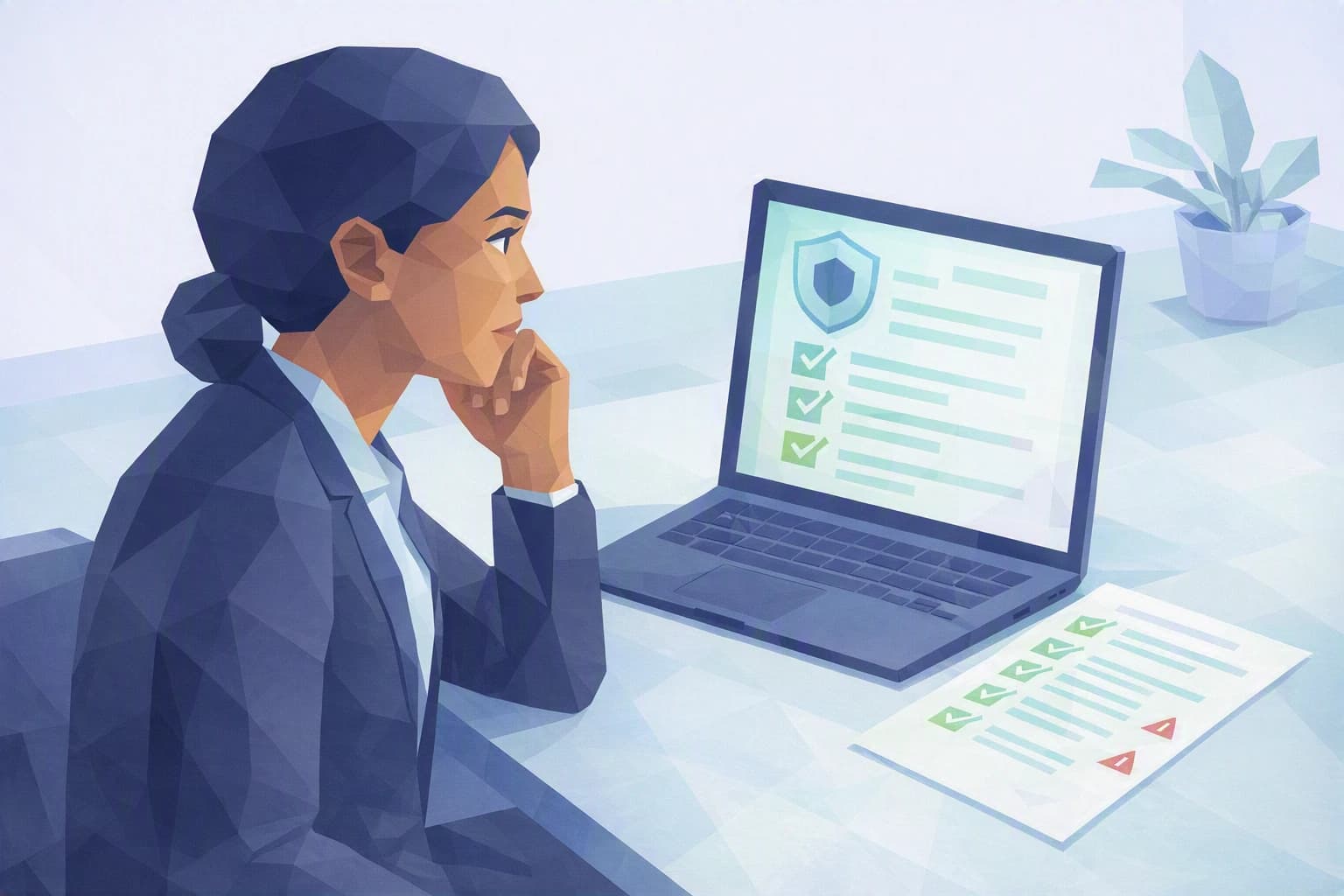
The NCSC and recognised reference frameworks offer free checklists suited to small organisations. The NIST CSF 2.0 framework, for instance, organises security into six easy-to-grasp functions — govern, identify, protect, detect, respond, recover — that act as a guide so nothing is forgotten. Block out thirty minutes and answer without flattering yourself: every "no" or "I don't know" isn't a reproach, it's a future action already identified. Do the exercise alone first, then redo it with whoever handles payments or client files: the gaps between your two sets of answers are often exactly where the risk hides. Keep a dated record of this first pass so you can compare it with the next.
3. Check what has already leaked under your name
Free breach check services let you enter a company email address and tell you whether it has appeared in known public data leaks. If a work password was exposed when a third-party service was hacked, better to know before a fraudster uses it. It's free, immediate, and often the trigger that gets people acting. Start with the most sensitive addresses — management, accounting, the generic contact address — the ones whose compromise would do the most damage. A positive result doesn't mean someone got into your systems; it means it's time to change the password in question and check that a second proof of identity properly protects that account.
Where do you really stand?
These three moves give you isolated data points: an office-suite score, a half-ticked checklist, a list of exposed addresses. That's already far more than "we're careful". But they're scattered pieces, with no overall picture and no order of priority.
That's exactly the gap the Cyber Passport self-assessment fills. It gathers these signals into a coherent picture, organised by framework — the nFADP (the federal data protection act) first, since that's what applies to your Swiss client data. It certifies nothing: it shows you, question by question, where your organisation is solid and where it still rests on trust and habit. And above all, it produces a report you can share with a client or an auditor the day the question comes up again — this time with a real answer.