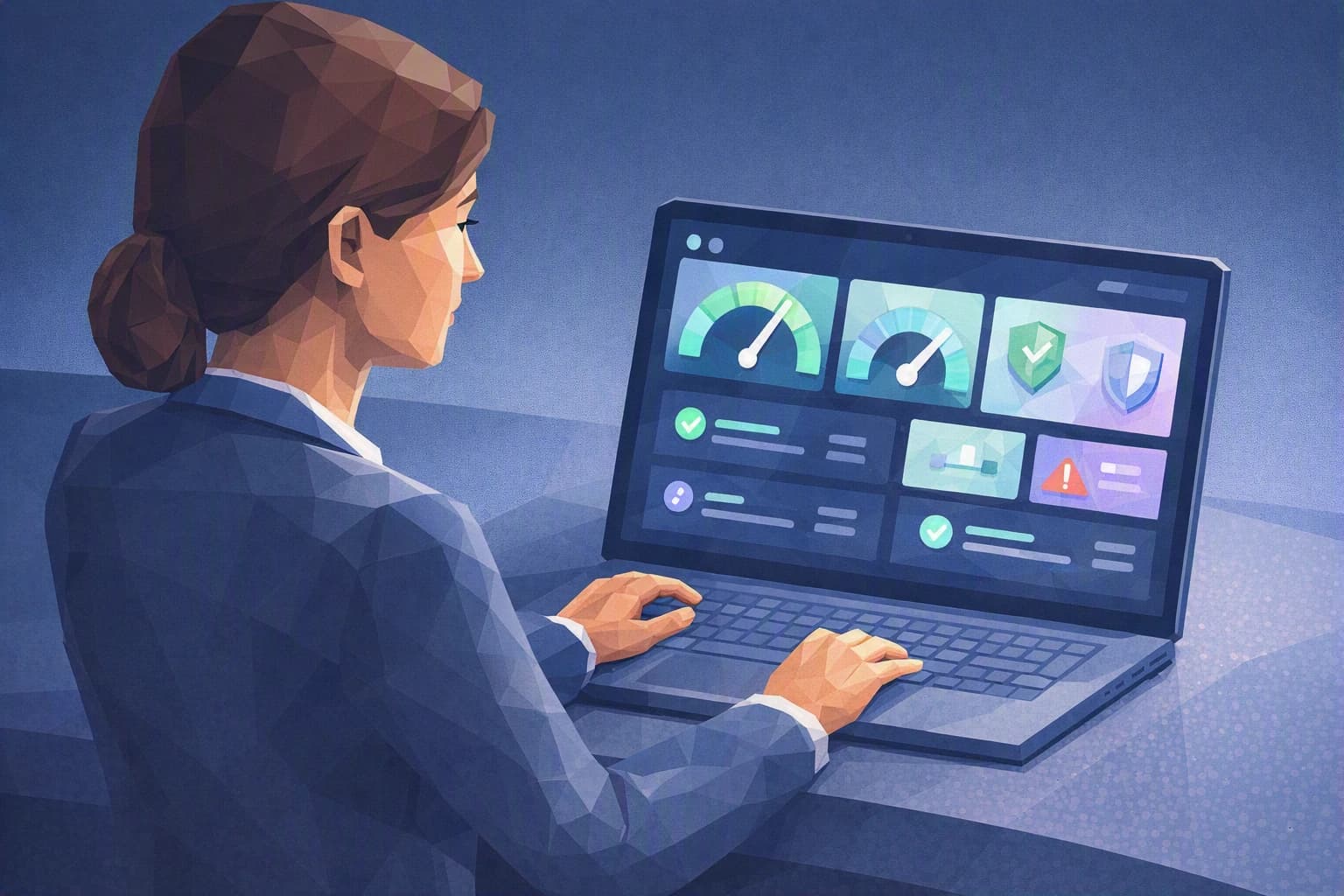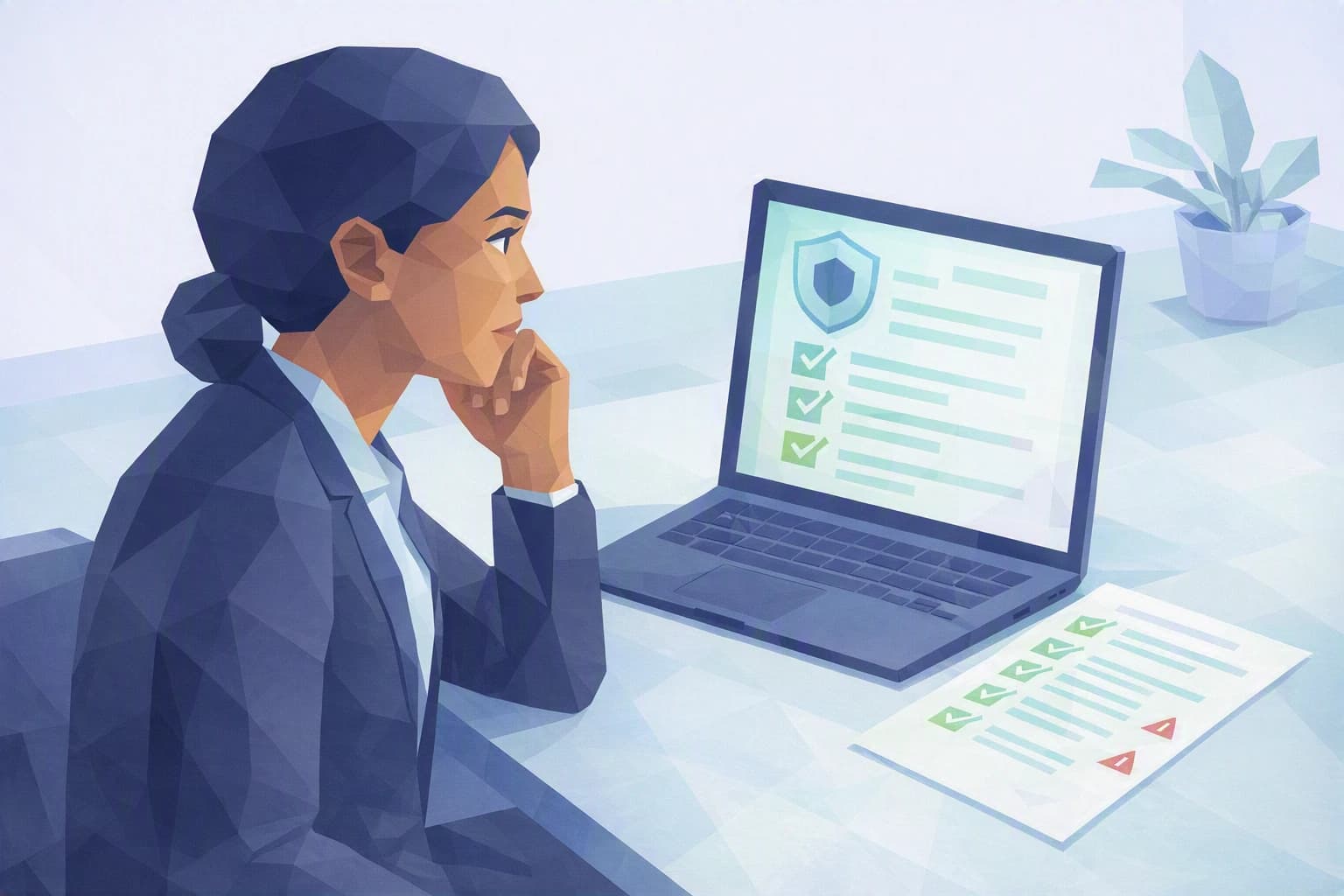
One Friday evening, a client writes to Sophie B.: "In practical terms, how do you protect our accounting data?" She knows her firm does things "more or less" right. But could she actually demonstrate it, point by point, if asked? That is exactly what a cybersecurity audit lays out on the table — not to scare anyone, but to finally know where you stand.
A cybersecurity audit isn't reserved for large corporations
The word "audit" sounds intimidating. In practice, a cybersecurity audit simply means reviewing, in an organised way, the protections around your data and your working tools. Not a judgement, not a grade: a snapshot at a given moment of what is solid and what still rests on trust or habit.
In a fiduciary firm of around a dozen people, with no in-house IT specialist, security often comes down to two things: the team's reflexes and "the provider, who handles it." The trouble is that no one has the full picture. Who really has access to the accounting software today? Did last night's backup actually run? Is the laptop of the colleague who left last year still active somewhere? An audit answers these questions one by one, instead of leaving them hanging.
For a fiduciary firm, the stakes are particular. You hold what a business keeps most confidential: its accounts, its payroll, its tax and banking data. Professional confidentiality is not optional — it is the heart of the job. A leak doesn't only cost money; it erodes the trust you live on. That is precisely what an audit protects: not the machines for their own sake, but the relationship with your clients.
It is also, increasingly, the language your clients and their own auditors speak. When a client SME entrusts you with its payroll and accounts, it expects — sometimes in writing — that you can describe your security measures. An audit, however modest, turns "we're careful" into something verifiable.
In plain terms (Camille, Cyber Passport advisor). An audit is not an exam you pass or fail. It's a list of simple questions to which, today, you answer "yes," "no," or "I don't know." The "I don't knows" are your priorities: they are not failings, they are blind spots. Bringing them into the light is already most of the work.
Good to know: a first audit doesn't have to be run by an outside firm or cost several thousand francs. The most useful version, to begin with, is an honest self-diagnosis — a self-assessment in which you ask yourself the right questions calmly, before circumstances ask them for you.
What to remember
The point is not to check everything at once, but to cover the few areas that concentrate most of the risk for a services SME.
- An audit answers a very concrete question. If an incident happened tomorrow — a booby-trapped email, a locked workstation, a client demanding the history of their data — would you immediately know what is protected and what isn't? The audit is that answer, prepared in advance and calmly, rather than in a rush.
- Four areas cover the essentials. Access (who can get in, and where), backups (can you really recover everything), updates (are the tools still supported and current) and people (can the team spot a trap). To this a fiduciary firm adds the question of sensitive data under the nFADP, Switzerland's revised data protection act, in force since 2023.
- Starting beats waiting for the perfect audit. An imperfect first pass, done this week, already teaches you more than the ideal report that never arrives. You note the blind spots, close the most urgent ones, then refine at regular intervals.
Steps to put in place this week
Three steps, with no budget and no technical skill, to turn intention into a real first audit.
1. List who has access to what
Take a sheet of paper and list the tools that hold client data: email, accounting software, file-sharing space. Next to each, note who has access today. Almost always, two or three surprises appear: a former employee still active, a shared account whose password no one really remembers, a "temporary" access that was never removed. Simply closing those doors reduces the risk in very concrete terms. While you're at it, check that sensitive access is protected by multi-factor authentication (MFA) — on top of the password, a second proof of identity, for example a code received on your phone.
2. Check that a backup exists — and that you know how to restore it
"We have backups" is the most misleading sentence on the subject, because it reassures without proving anything. The real test comes down to one question: if the accounting software were unavailable tomorrow morning, how long — and from what — would it take to be operational again? Ask your provider to show you a real restore, not just to confirm that "it's running." A useful benchmark, without getting technical: the so-called 3-2-1 rule — three copies of your data, on two different types of media, one of them kept off-site. The point isn't to put it all in place this Monday, but to know where you stand against that benchmark. A backup that has never been tested by restoring it is only a hypothesis, and the worst time to find out is the day you need it.
3. Ask the team the "worst email" question
Gather the team for ten minutes and describe together the most credible scenario: a fake invoice from a usual supplier, or an urgent message that seems to come from a partner and demands an immediate transfer. Phishing — these fraudulent emails that impersonate a trusted contact to push you into paying or clicking — targets precisely the professions that handle money and data. Agreeing out loud on a simple reflex ("if in doubt about a payment, we hang up and call back on a known number") protects you better than any software, and costs nothing.
So where do you really stand?
These three steps are, literally, the opening lines of a cybersecurity audit. They give you a glimpse — not the full picture. To go further without drowning, the Cyber Passport self-assessment takes up these areas question by question and maps them against recognised frameworks: the nFADP for your Swiss obligations, and structuring frameworks such as NIST CSF 2.0 or Annex A of the ISO 27001:2022 standard, which your clients speak when they audit you.
Let's be clear: Cyber Passport certifies nothing and does not declare you "compliant." It does something else, arguably more useful day to day: it shows you, in black and white, where your firm is solid and where it still rests on interpersonal trust — then gives you the means to talk about it calmly, with your clients and your provider alike. It's the starting point of an audit you lead, rather than one you endure — and the first step to answering that Friday-evening client, next time, without hesitation.