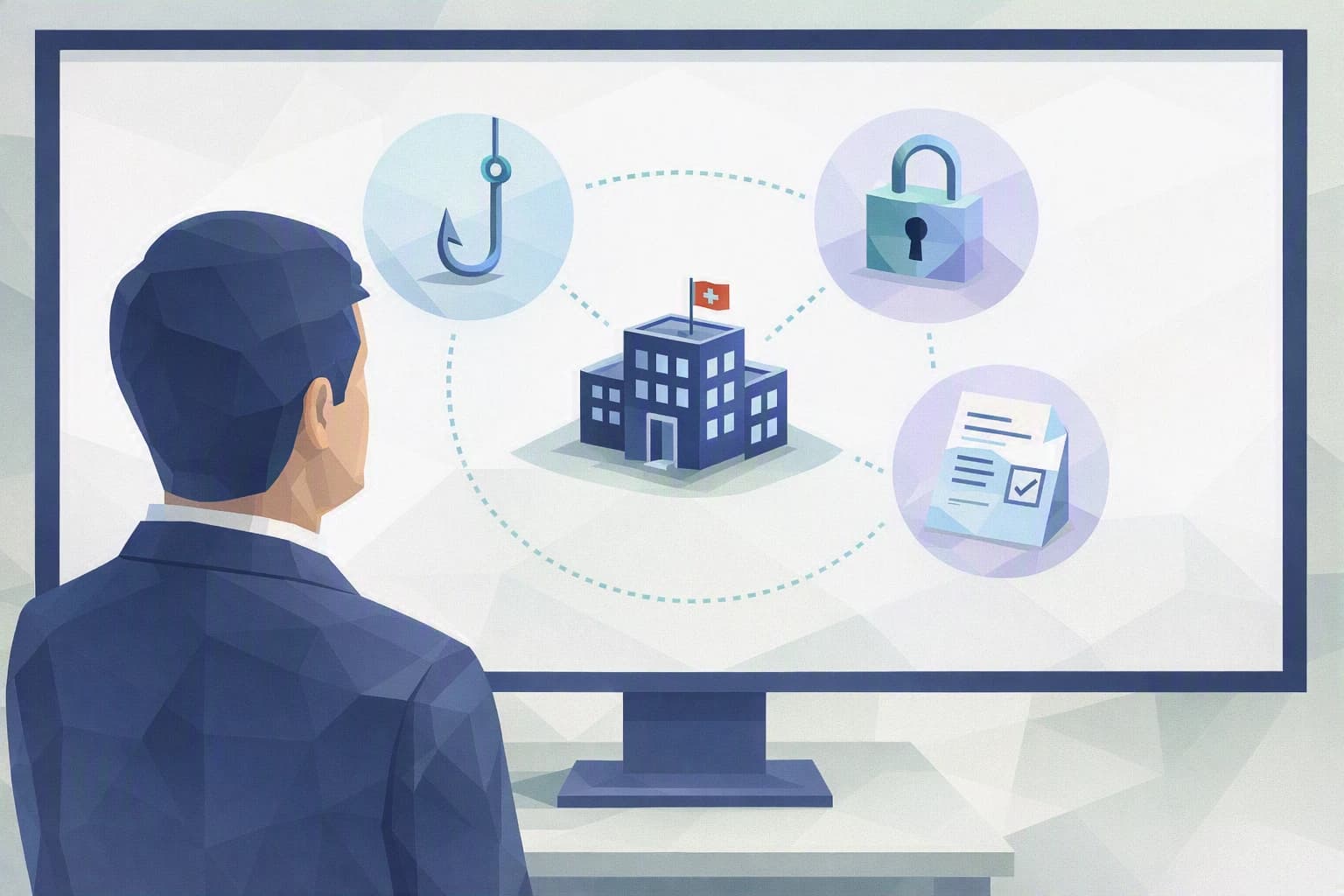
One Monday morning, Daniel A. gets to the workshop before anyone else. The machines are powered on, but the supervisory screen shows a message he doesn't understand: his files are locked, and an anonymous address is demanding payment to release them. Within hours, the entire production line grinds to a halt — not because of a mechanical breakdown, but because a ransomware attack — software that locks your files and demands a ransom — has taken his data hostage.
There is nothing exceptional about this scenario, and it doesn't target large corporations first. Subcontracting workshops, accounting firms, medical practices: the least prepared organisations make the best targets. Understanding why is already the start of your defence.
Why an industrial SME is a prime target for ransomware
Ransomware is malicious software that encrypts your files — it makes them unreadable, as if locked behind a digital padlock — then demands a ransom to hand you back the key. Until you pay, and often even afterwards, your drawings, your machining routines, your accounts and your order book stay out of reach.
The first myth to drop: you're not targeted because you're important, you're targeted because you're reachable. Attackers don't pick an SME from an address book. They run automated programs that sweep the internet looking for a poorly closed door — a mailbox where someone clicks a booby-trapped attachment, software that hasn't been updated in months, remote access protected by nothing but a password. When the door gives way, the program gets in, spreads, and encrypts everything it finds.
And an industrial SME often has several doors left ajar. The network is "flat": the accounting workstation and the CNC machine on the shop floor talk over the same cable, so an infection on the office side spreads all the way to production. An old supervisory station runs on a system that "the machine software no longer supports otherwise", so it never gets updated. Backups exist — Marc K., the part-time IT lead, is sure of it — but nobody has ever checked that they could actually be restored. And there's no full-time IT team keeping watch over all this.
Add a point Daniel A. knows all too well: in precision machining, downtime costs immediately. Every hour without production is an order falling behind, a client losing patience, technical drawings — often a client's intellectual property — suddenly out of reach. Attackers know it: a company losing money by the hour is a company tempted to pay quickly, without thinking.
Often, it takes an outside event to open people's eyes. A peer in the region gets their data encrypted and stays down for three days; a client starts asking how their drawings are protected. That's when Daniel A. realises the question is no longer "could this happen to me?" but "would I be able to restart if it happened tomorrow?". It's a much better question, because it calls for concrete answers.
In plain terms (Camille). Ransomware doesn't test how important you are, it tests your locks. An SME of a few dozen people is worth no less than a large group in an attacker's eyes — it simply, too often, has locks that are easier to pick.
What to take away
Three ideas are enough to shift your stance, without becoming an expert.
You're not the target, a weakness is. The attack is industrial and automatic. So the right question isn't "am I an interesting target?" but "which doors have I left open?". That's a question you can answer, workstation by workstation, access by access.
Paying solves nothing. Nothing guarantees you'll get your data back, or that a copy wasn't already stolen along the way. Switzerland's Federal Office for Cybersecurity (NCSC) advises against giving in to the ransom demand and encourages you to report the incident. And if personal data has leaked, the nFADP — Switzerland's data protection act — may require you to notify the breach to the relevant authority. Paying means funding the next attack without recovering your own.
Protection is about habits, not a miracle product. No software makes you "unattackable". What makes the difference is backups you have genuinely tested, locked-down access, and a shared reflex at the first suspicious sign. None of that requires a large group's budget: these are organisational decisions, not IT ones.
Habits to put in place this week
Here are three habits Daniel A. can start without heavy investment and without waiting for an IT overhaul. They don't replace real preparation — that's what the blueprint is for — but they already close the easiest doors.
1. Test a real restore, not just that backups exist
"We have backups" means nothing until you've recovered a file from them. This week, ask Marc K. to pick a folder at random, actually restore it, and check that it opens. You may discover the backup is incomplete, too old, or permanently plugged into the network — and therefore encryptable along with everything else. That's exactly what you'd rather learn on a quiet Tuesday than on a Monday in crisis.
2. Close the easiest entry points
Two quick locks. First, turn on two-factor authentication (MFA) — on top of the password, a second proof, such as a code on your phone — everywhere you connect from outside: email, remote access to the workshop. A stolen password then isn't enough to get in. Second, remind the team of the most cost-effective reflex there is: when in doubt about an attachment or a link, don't click, ask. Most ransomware gets in through one click too many.
3. Prepare the "who to call" sheet before you need it
In the middle of a crisis, you don't go looking for a number — you already have it. On a single sheet, note your IT provider's contact, your insurer's (check whether your policy covers cyber risk), and how to report the incident to the NCSC. Add the first instruction, the one that limits the damage: unplug the affected machine from the network — without switching it off — to stop the spread. Post this sheet somewhere you and Marc K. will find it with your eyes closed.
Where do you really stand?
These three habits close the most visible doors. But real ransomware preparation goes further: offline or "immutable" backups — ones an attack can neither alter nor erase —, a clean separation between the office network and the shop-floor network, a written response plan and a drill to test it before the real day. That's exactly what our dedicated blueprint walks through, step by step.
Before you get there, you first need to know where you stand. Cyber Passport certifies nothing and won't declare you "protected": it takes you through a structured self-assessment that shows, question after question, where your organisation holds firm and where it still rests on trust or habit. For an industrial SME like Daniel A.'s, that's often the first concrete step — the one that turns a vague worry into a clear plan.