One Monday morning, Daniel A. learns that a machining workshop in his canton, barely bigger than his own, has been at a standstill since dawn. The machines are waiting, every screen shows the same message: the files are locked, pay up to get them back. No one on site knows where to begin. A ransomware attack, he realises as he hangs up, gives no warning — and Daniel looks at his own workshop differently.
How a ransomware attack actually unfolds
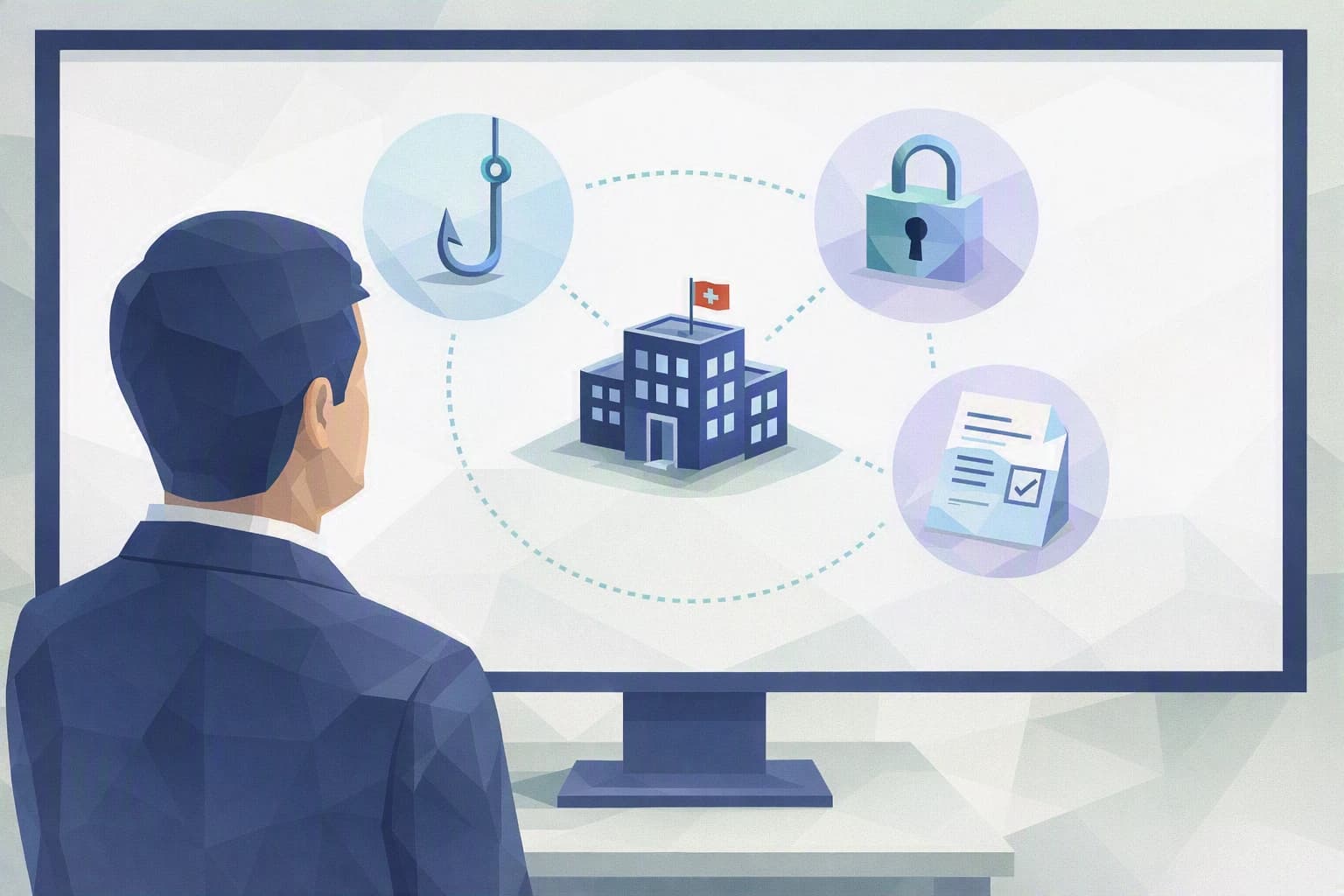
Ransomware is malicious software that encrypts your files — that is, makes them unreadable — then demands a ransom to hand over the key. The word is frightening, but the sequence is far more ordinary than a thriller. In the neighbouring case, it all started with a booby-trapped email: phishing, a message dressed up in the colours of a known supplier, with an attachment that looked legitimate. A busy employee opens it. At that moment, nothing visible happens.
The intruder does not act right away. It watches, moves from workstation to workstation, and locates the backups and the folders that matter. As in many industrial SMEs, the network was "flat": the workshop supervision terminal, accounting and the drawings server all shared the same space, with no partition. Whatever the attacker reaches in one place, it eventually reaches everywhere. Encryption itself comes only at the end — often at night or over a weekend, to maximise surprise and leave as few people as possible to react.
That silent set-up time is also good news: between the booby-trapped email and the lockout, days or even weeks often go by. In other words, a ransomware attack is not an unstoppable bolt from the blue; it is a burglary that leaves traces. An SME that knows where its sensitive data sits, that has separated the workshop from the office, and that keeps one backup out of remote reach does not make the attack impossible — it makes it far less profitable, and often reparable.
The most instructive detail of this case study is not technical. The neighbouring workshop was not careless: it had a firewall, an antivirus, backups, and its IT contact had already run awareness sessions with the team. What was missing was not tools, but putting them to the test. A known flaw in a piece of software had not been patched in time. The backups existed, but no one had ever actually restored from them — and they were plugged in permanently, so they were encrypted too. What separates an SME that absorbs the blow from one that goes under is not the budget: it is having asked the right questions before, not during.
What to take away
Three ideas deserve to stick, once the neighbour's case is closed.
First, a ransomware attack targets the over-confident more than the under-protected. An SME that "did what was needed" two years ago and never touched it again is a more comfortable target than you would think. Security is not a purchase, it is upkeep.
Second, a backup only truly exists the day you have restored from it. Until you have recovered a file from your backup, you do not know whether it works — you are hoping. And if it stays permanently connected to the network, the ransomware encrypts it along with everything else.
Third, the worst time to improvise is during the incident. The neighbour lost precious hours working out who to call, which insurance covered him, and whether he had to report anything. In Switzerland, a personal-data breach may have to be reported to the Federal Data Protection Commissioner (FDPIC) under the nFADP, the Swiss data protection law — a reflex best decided in cold blood.
For Daniel A., the real question is therefore not "am I safe?" — no one is entirely — but "am I ready to take the hit?". A ready workshop is one that restarts in two days from a clean backup, instead of negotiating a ransom in a panic, with no guarantee of getting anything back. The difference between the two rarely comes down to a large investment. It comes down to a few decisions taken calmly, on a Tuesday afternoon, before the problem hits.
The habits to set up this week
None of these habits requires a budget or IT skills. They require a decision.
1. Check that one backup is offline — and test it
Make sure that at least one copy of your critical data (drawings, ERP, accounting) is disconnected from the network once the backup is done: an unplugged drive, storage the ransomware cannot reach because it is not permanently "visible". Then do the most useful exercise of the week: ask to restore a single file from that backup. If it comes back intact, you know. If it does not, you have just avoided a very nasty surprise.
2. Write down, on a sheet of paper, who calls whom
Ransomware often cuts off access to your emails and internal directories: on the day of the incident, your digital address book is precisely what has vanished. Prepare a simple sheet, printed and kept outside the system: who decides, the number for your IT contact, your insurer's, that of the Federal Office for Cybersecurity (NCSC) which advises SMEs, and a reminder to check whether a report to the FDPIC is due. Add a clear instruction: no one pays and no one reconnects anything before making that call. On the day, this sheet is worth ten sophisticated tools.
3. Slow down urgent requests
Most attacks start with a message that creates urgency: an invoice to settle, an attachment to open "before tonight". Agree on a simple reflex with the team: faced with an unexpected attachment or a pressing link, you do not click — you verify through another channel, a call to the supplier on their known number. And give everyone a way to flag a doubt without fear of being judged. An employee who dares to say "I may have clicked" saves you decisive time: the earlier the alert, the more room is left before encryption is triggered.
These three habits do not replace a real protection strategy, and that is not their job. They do something else: they turn an abstract threat into a handful of concrete decisions you can make this week, without waiting for the next budget or the next machine. That is often how an SME that, when the day comes, absorbs the blow rather than sinking, gets started.
Where do you really stand?
The neighbouring workshop did not have fewer tools than you. It had simply never checked, in cold blood, whether its protection would hold up against a real ransomware attack. That is exactly what a self-assessment reveals: not whether you are "secure", but where your organisation is solid and where it rests on habits that have never been tested.
Cyber Passport certifies nothing and does not declare you compliant. The tool walks you, question by question, through your readiness — backups, separating the workshop from the office, incident response — and shows you in black and white where to focus your effort. To go further and build a complete, step-by-step plan, the "Ransomware readiness" blueprint spells out the how: immutable backups, segmentation, a response plan and a crisis drill.