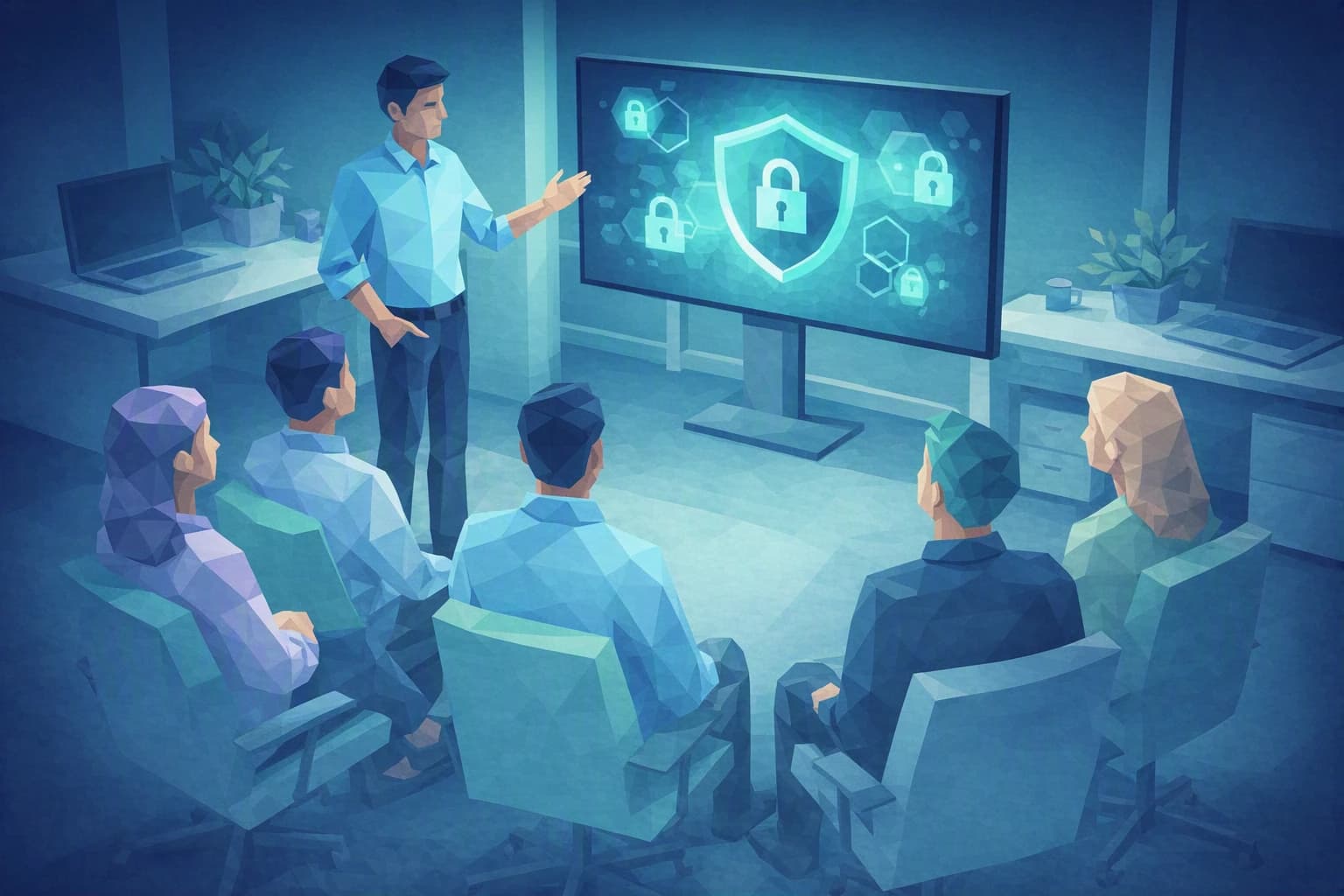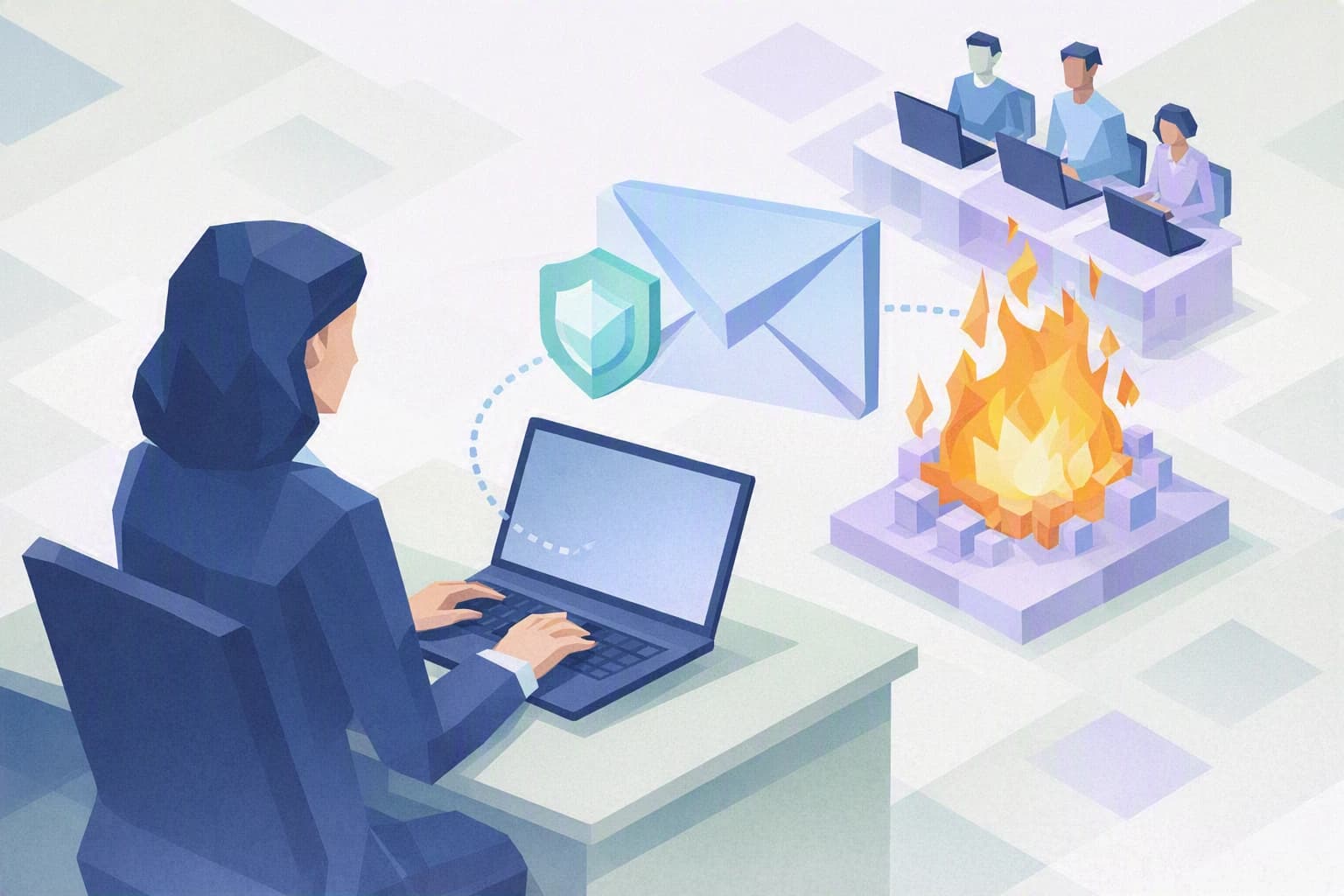
One Monday morning, an email lands in several inboxes on the shop floor: "Urgent machine software update — install before noon." The tone is pushy, the logo looks right. Except that Daniel A., the director, ordered it himself: it is a phishing simulation, a harmless test trap email. Nobody on the team knows it yet — and that is exactly what makes the exercise worthwhile.
What a phishing simulation actually reveals
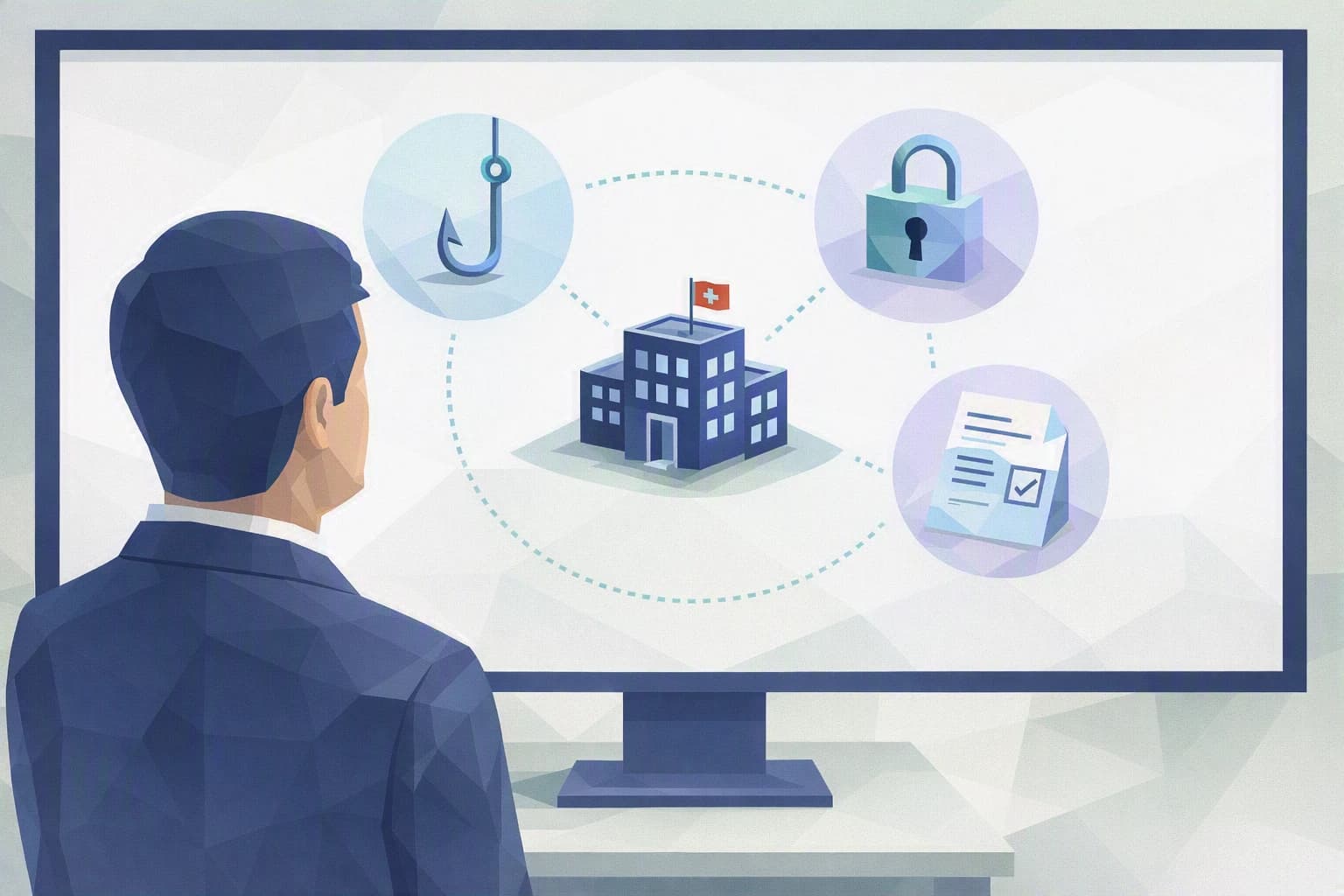
Phishing means those booby-trapped emails, text messages or chats that imitate a trusted sender: a supplier, the bank, the IT team, sometimes the boss in person. The goal is always the same — to get you to click a link, open an attachment or type in a password. It is today the most common entry point for attacks that hit Swiss SMEs, and the Swiss federal cybersecurity office (NCSC) regularly reminds businesses of this in its alerts.
A phishing simulation simply turns that mechanism into a training tool. You deliberately send your own team a test trap email, modelled on a real attempt but doing no damage: no virus, no data theft. Just a link that, if clicked, shows a teaching message along the lines of "this could have been a real attack — here is what should have tipped you off."
For a machining workshop like Daniel A.'s, the exercise has one precise virtue: it turns an abstract risk into something concrete. Until you have watched a colleague hesitate over a fake "machine update" message, cybersecurity stays somebody else's problem — the IT person's, or some distant large company's. Marc K., who runs IT part-time between two emergencies, knows this well: he can repeat "beware of links" a hundred times, but nothing replaces the lived experience of nearly getting caught on a Monday morning.
The mechanism works so well because attackers do not exploit technical flaws — they exploit perfectly normal human reflexes: urgency ("before noon"), authority ("the director is asking"), routine ("another update, I click without thinking"). These are not software defects. They are the reflexes of people doing their job quickly and well — which is precisely why a simple spam filter does not fix this risk.
In plain terms, from Camille. A simulation does not "test" how smart your staff are. It measures the strength of a collective habit: pausing for a second before clicking, and daring to say "this message looks odd to me." That is a habit you build, not an innate talent.
What the exercise reveals is often unexpected. The people who click are not necessarily the least comfortable with computers: they are the busiest, the ones used to processing a high volume of messages fast, the ones who help out without asking questions. In other words, your best people. And on Daniel A.'s shop floor, the supervision workstation running on an old system adds one more twist: an "urgent update" email feels all the more believable because a genuine update really is overdue. Each SME's context shapes the traps that work — all the more reason to test in your own setting rather than on a textbook case.
What to keep in mind
Three ideas to hold on to before you even think "tool" or "campaign".
A simulation measures a culture, not culprits. The point is never to catch a colleague out in order to single them out. If someone clicks, they are not the problem: it is a sign that a credible enough trap email got through, and that the collective reflex needs strengthening. The day the exercise is used to name a guilty party, it becomes counterproductive — people start hiding their mistakes instead of reporting them, and you lose your best early-warning system.
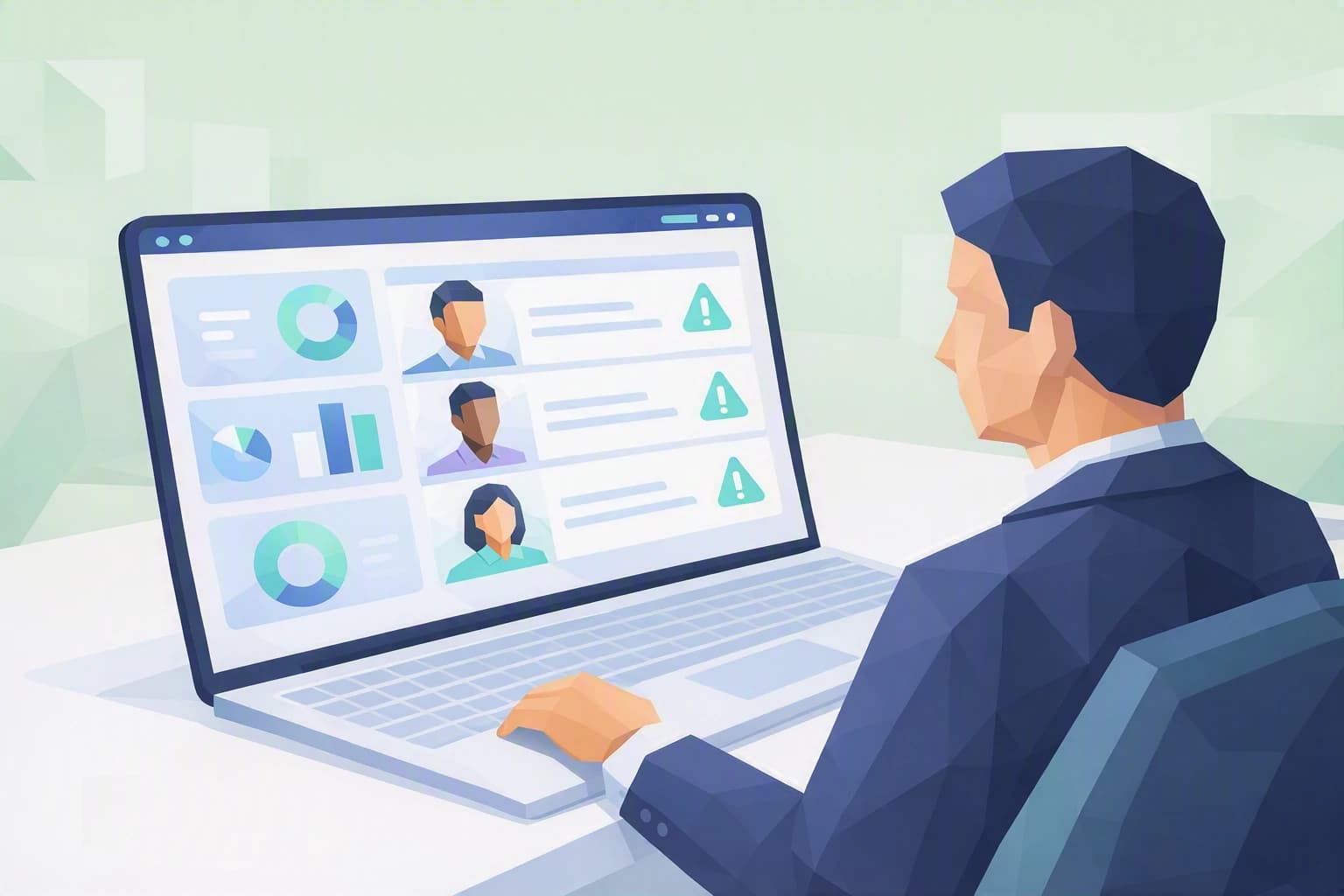
The real indicator is reporting. The instinct is to look at who clicked. Far more telling: who spotted the email and reported it. A team where people spontaneously flag "I got something dodgy" is far more resilient than a team where nobody clicks but nobody raises the alarm either. Human detection is a line of defence in its own right.
A one-off test is almost useless. A single simulation gives a snapshot at one moment, quickly forgotten. It is repetition — a few times a year, across varied scenarios — that installs the right reflexes for good. This is exactly the logic of a fire drill: nobody does it just once in their career.
Moves to install this week
Good news: you need neither a sophisticated tool nor a budget to start building this culture. Here are three concrete moves, doable without an IT specialist.
1. Create a simple, no-blame reporting channel
Decide this week where and to whom a suspicious email is reported: a dedicated address, a "report" button in the mailbox, or simply "tell Marc K." The golden rule, to say out loud: reporting never costs anything, even for a false alarm, even if you already clicked. A colleague who dares to say "I clicked, I think I messed up" within five minutes saves you precious time — sometimes the difference between an incident and a disaster.
2. Name the three signals that should raise a flag
Without turning your team into experts, teach them to recognise three simple triggers: unusual urgency, an unusual request (a transfer, a password, an unexpected attachment) and a sender address that does not quite match the one you know. The reflex to build fits in one sentence: when in doubt, verify through another channel — a phone call, a walk to the next office — before acting. A minute of checking beats a day of clean-up.
3. Warn management, never the people being tested
The day you decide to run a real simulation, brief the managers beforehand — but never the people concerned: the value lies in the spontaneity of their reactions. And prepare in advance the message that will follow the test: the one that explains the approach, thanks those who reported and reassures those who clicked. That kind debrief matters as much as the test itself — it is what turns a trap into learning.
Where do you really stand?
Building a real phishing simulation campaign — choosing the scenarios, the tool, the frequency, measuring progress without stigmatising anyone — takes method. That is exactly what our "Anti-phishing programme" blueprint lays out: the full step-by-step, the test email templates and a ready-to-use debrief procedure.
But before you get there, the more honest question is: where does your organisation stand today? The Cyber Passport self-assessment certifies nothing and hands out no grade. Question by question, it shows you what already holds up — awareness, reporting reflexes, verification of sensitive requests — and what still rests on luck. It is the clearest starting point for deciding what to strengthen first.
In Switzerland, the nFADP (the new Federal Act on Data Protection) expects every SME to take "appropriate" measures to protect the data it holds: technical drawings, client data, payroll. Raising your team's awareness of phishing is clearly part of that — not to tick a box, but because it is often the most effective measure for the best price.