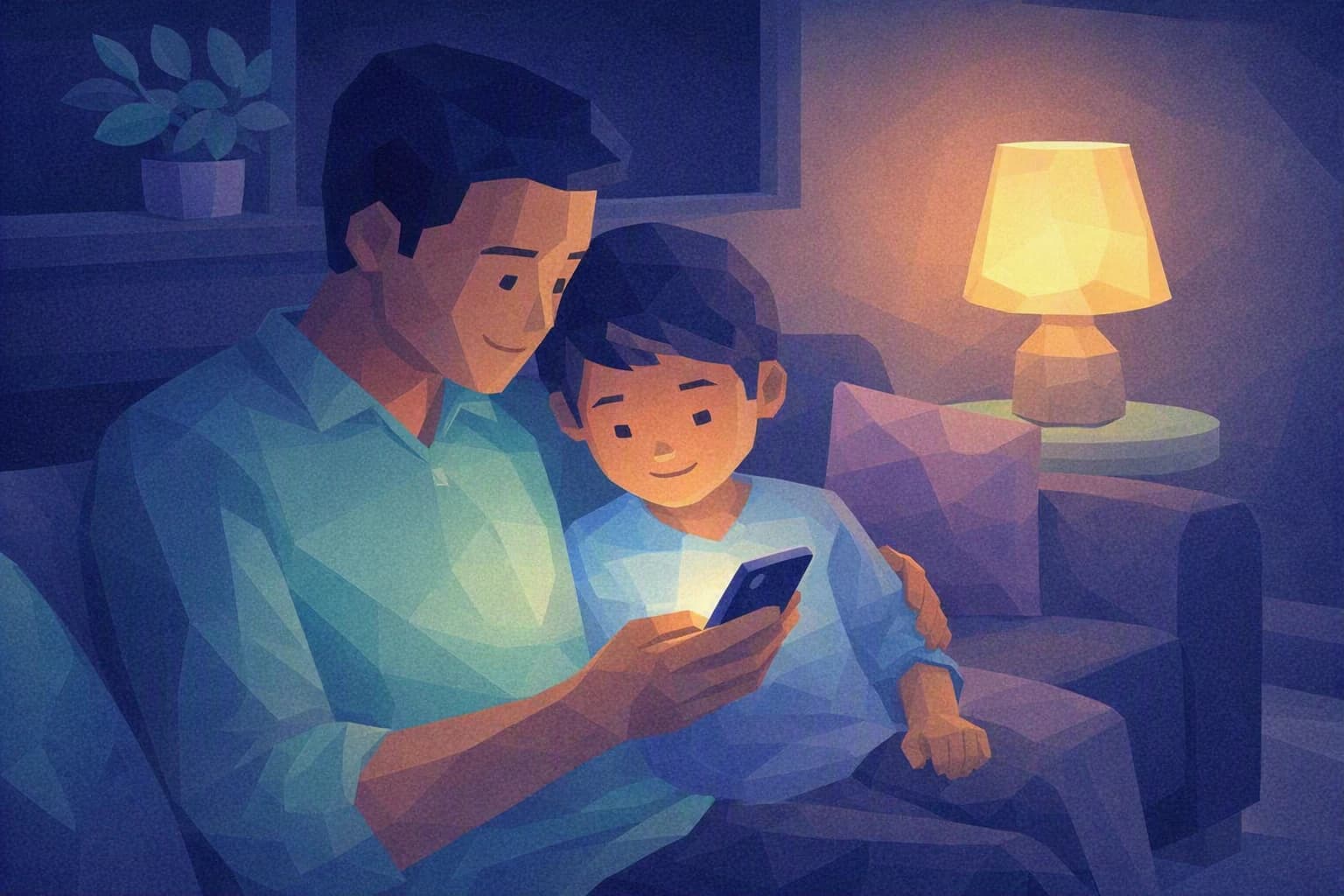
One Sunday evening, Sophie B. glances over her teenager's shoulder. A message has just arrived: a "gift" to claim urgently by clicking a link before midnight. Her son's instinct is already to tap. Sophie's — she is a partner in a Swiss accountancy firm — is to spot the scam: it is exactly the kind of booby-trapped message she is learning to catch at the office.
That evening, she notices something simple. The habits she wants to pass on to her children and the ones she needs to install in her business are the same. A well-equipped family means a director who walks back into the office with the right instincts — and the reverse is true too.
Why online safety for kids concerns you as well
At home and at work, the same traps come back. A link that promises too much, a password reused everywhere, a piece of personal information handed over without a second thought. Children and teenagers meet these early: they live online, they play, chat and post. The good news is that they learn fast when you explain the why rather than simply forbidding.
Online safety for kids is not a matter for experts or complicated software. It is first and foremost a question of habits, like washing your hands or looking before you cross. And these habits do not stay at home. The teenager who learns never to reuse the same password becomes the adult who protects their work accounts. The parent who learns to spot phishing — those fake messages that imitate a brand, a bank or a friend to steal a password or money — brings that reflex back to an SME where a single booby-trapped invoice can be costly.
Let's be clear: the goal is not to turn your children into IT specialists, nor to turn meals into security lessons. A family does not need a military-grade firewall. It needs three or four shared reflexes, repeated without drama until they feel natural. That is exactly the logic of an SME starting out: you don't aim for perfection, you first install the habits that block the vast majority of trouble.
For a firm like Sophie B.'s, handling banking and tax data for dozens of clients every day, this link between home and office is not trivial. The basics are a common language. Teaching them to your children means owning them yourself.
What to remember
The threats are the same as at the office, only more everyday. Phishing, hacked accounts, exposed personal data: in one week your children come across what an SME dreads all year. Teaching them to react means training together on real cases, with no money at stake.
You protect better by explaining than by watching. A parental control — a setting that filters content and manages screen time by age — is useful, but it does not replace the conversation. A child who understands why a password is kept private will be far better protected than a child who was simply told not to share it.
Trust beats fear. The aim is not to frighten, at home or at work. A child who knows they can come and tell you "I clicked on something weird" without being scolded is your best alarm. In the office, it is exactly the same with your staff.
Habits to install this week
Three simple reflexes, achievable with no budget and no technical skill, at the kitchen table as much as at the office.
1. One passphrase per account, and a safe place to keep them
The short password reused everywhere is the first weak point. Replace it with a passphrase: four or five words that are easy to remember but unlikely together — for instance a small absurd sentence your child invents. It is longer, so stronger, and easier to memorise than a jumble of symbols.
Then there is the numbers problem: no one remembers thirty passphrases. That is the job of a password manager — a vault app that stores and fills in your credentials for you, protected by a single master phrase. Installing one as a family gives your children the right tool from the start. And it is precisely the tool that ends, at the office, the shared passwords and the sticky notes under the keyboard.
While you're at it, switch on two-factor authentication (often shortened to MFA or 2FA) wherever it is offered: on top of the password, a second proof — usually a code sent to the phone — that keeps an intruder out even if they guessed the password. It is one of the most effective steps there is, and it reassures as much on a teenager's gaming account as on a partner's work mailbox.
2. The "stop and check" reflex when a message feels urgent
Teach your children to recognise the signs of phishing: unusual urgency ("your account will be closed tonight"), a gift that's too good, an odd typo, a strange sender address. The rule fits in one line: never click under pressure. When in doubt, don't open the link — go and check directly on the official site, or ask an adult.
Turn it into a family game: who can spot the suspicious message? Show your children how to hover over a link to read the real address before clicking, and how a gift that demands a bank card is no longer a gift. That same reflex — stop, doubt, check with the right person before acting — is the one that, in an accountancy firm, keeps a fake invoice or a fake email "from the boss" from triggering a transfer.
3. A tour of the privacy settings, together
Online privacy is the information we give away — sometimes without meaning to — on social networks, games and apps. Sit down once with your children to review the privacy settings of their accounts: who sees their posts, what data the app collects, what location is shared. The point is not to lock everything down, but to choose knowingly.
It is also a fine way into an idea that concerns you as a director: personal data must be protected. In Switzerland, the nFADP (the Federal Act on Data Protection, in force since 2023) expects an SME to handle the data entrusted to it with care. The reflex you install at home — "who has access to what, and why?" — is the first step of that same protection at the office. To go further as a family, the National Cyber Security Centre (NCSC) publishes simple, free and up-to-date guidance for individuals and SMEs alike.
Where do you really stand?
These three habits are all the same skill: everyday digital hygiene. At home it protects your children; at the office it protects your clients. It is the same muscle, trained in two different rooms.
Cyber Passport certifies nothing and will not grade you as a parent. What it does, question by question, is show you where your organisation is already solid and where it still rests on everyone's goodwill — passwords, awareness, data protection. If the habits you install tonight in the kitchen have made you want to take the same look at your business, it is a good moment to structure a real awareness effort.